Change text in this variable definition to document title.
104
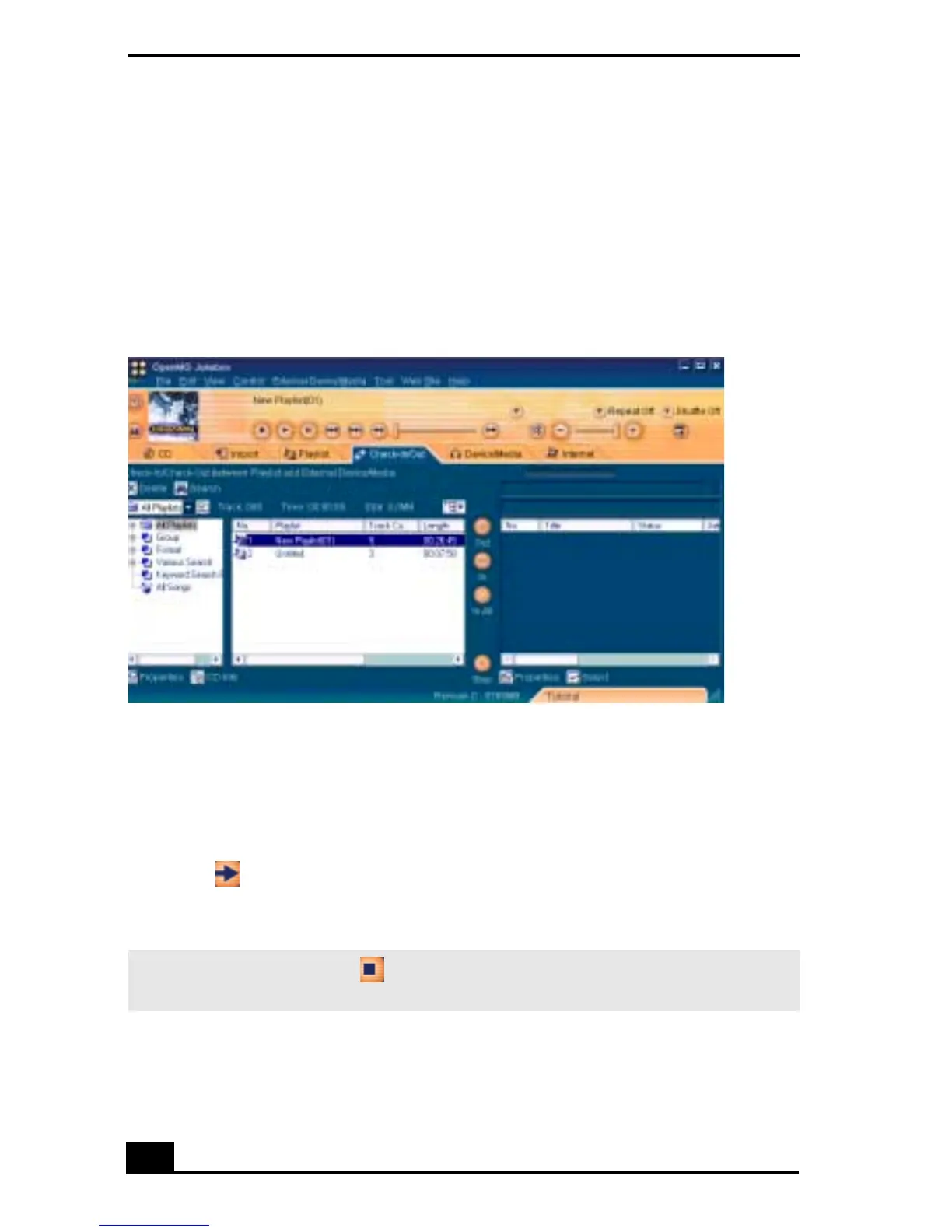
Check-out
1 Connect the external device/media to your notebook.
2 Click the Check-in/Out tab to display the Check-in/Out screen. Your
notebook recognizes the connected external device/media and lists the
information on the right side of the screen.
3 Select the Playlist containing the song that you want to check out. The songs
in the playlist are listed in the Playlist view in the center of the screen.
4 In the Playlist view, select the song to be checked out. To check out more
than one song at a time, hold down the Ctrl key and click the songs to be
selected.
5 Click (Out), or drag and drop the song to the desired position in the song
list of the external device/media. Check-out begins.
Check-In/Out tab screen
✍ To cancel Check-out, click (Stop), or click Cancel in the Processing dialog box
displayed during Check-out.









 To Next Page