Change text in this variable definition to document title.
76
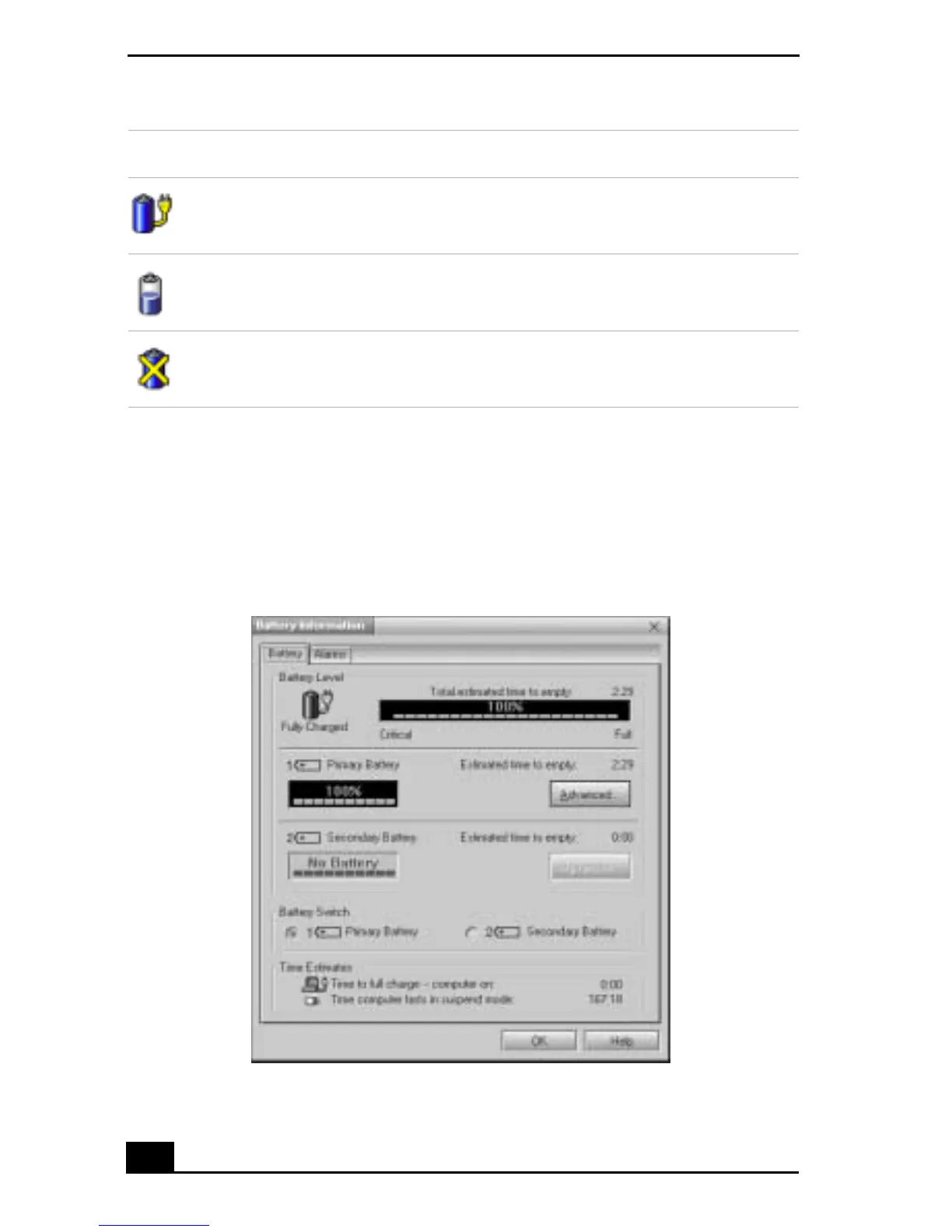
Displaying detailed battery information
Double-click the battery icon on the task tray to display the Battery Information
window. The screen appears displaying the Battery tab, which contains
information such as the estimated time-to-empty and charging time.
Fully charged
Discharging
No battery
Battery Information Window
Battery Icon Battery Status









 To Next Page