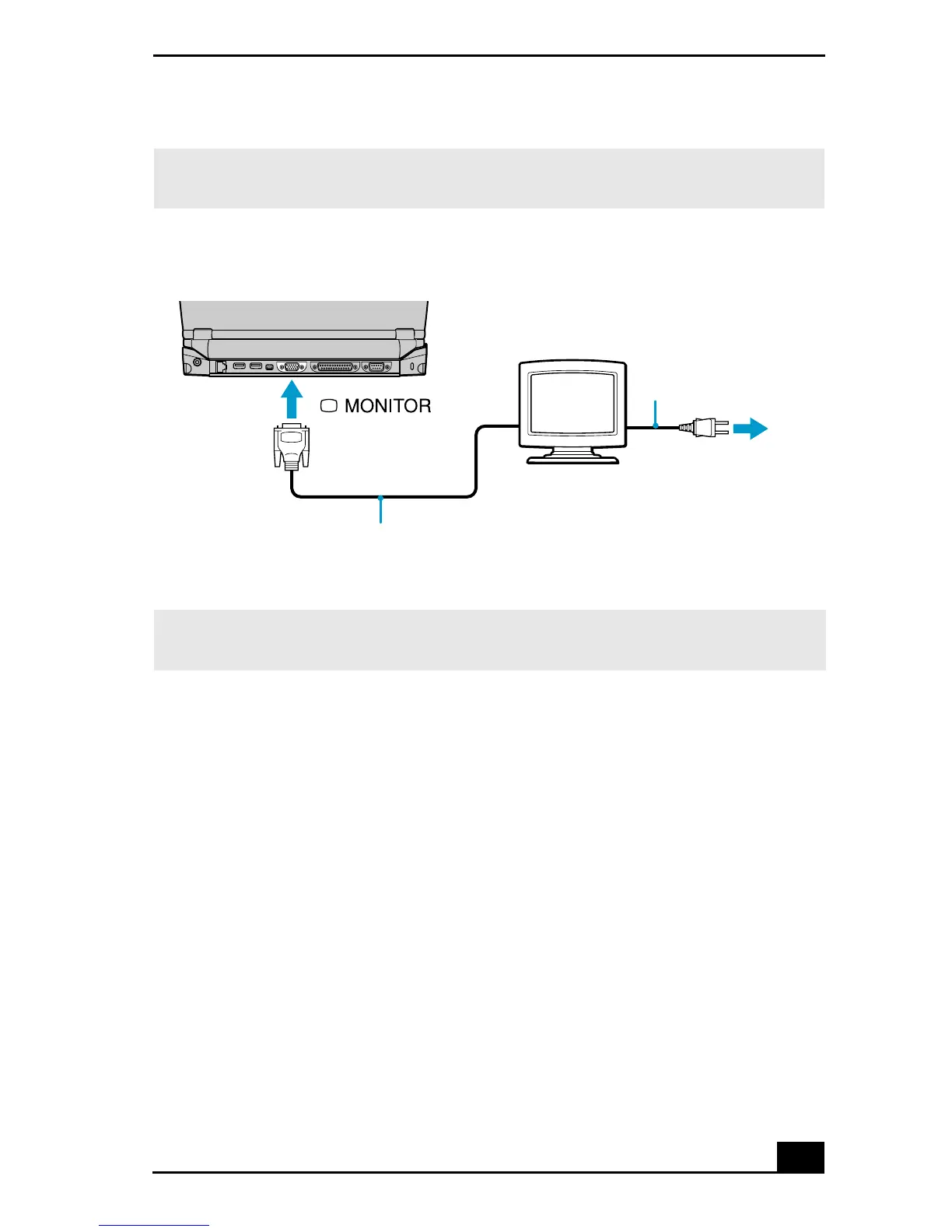
Connecting an External Display
59
To connect a projector
You can use a projector, such as the Sony LCD Projector, as an external display.
Using the notebook
1 Locate the monitor port on the left side of the notebook.
2 Plug the RGB signal cable into the monitor port.
3 Plug the audio cable into the green Headphone jack on the right side of the
notebook.
✍ Ensure that one end of the power cord of the monitor is plugged into the display, and
the other end is plugged into an AC outlet.
Connecting Monitor
✍ See the manuals that came with your printer, and the docking station if applicable, for
more information on printer installation and operation.
Power cord
display
Display cable (optional)
Power Cord
Computer display









 To Next Page