Change text in this variable definition to document title.
150
1 Connect to the Internet.
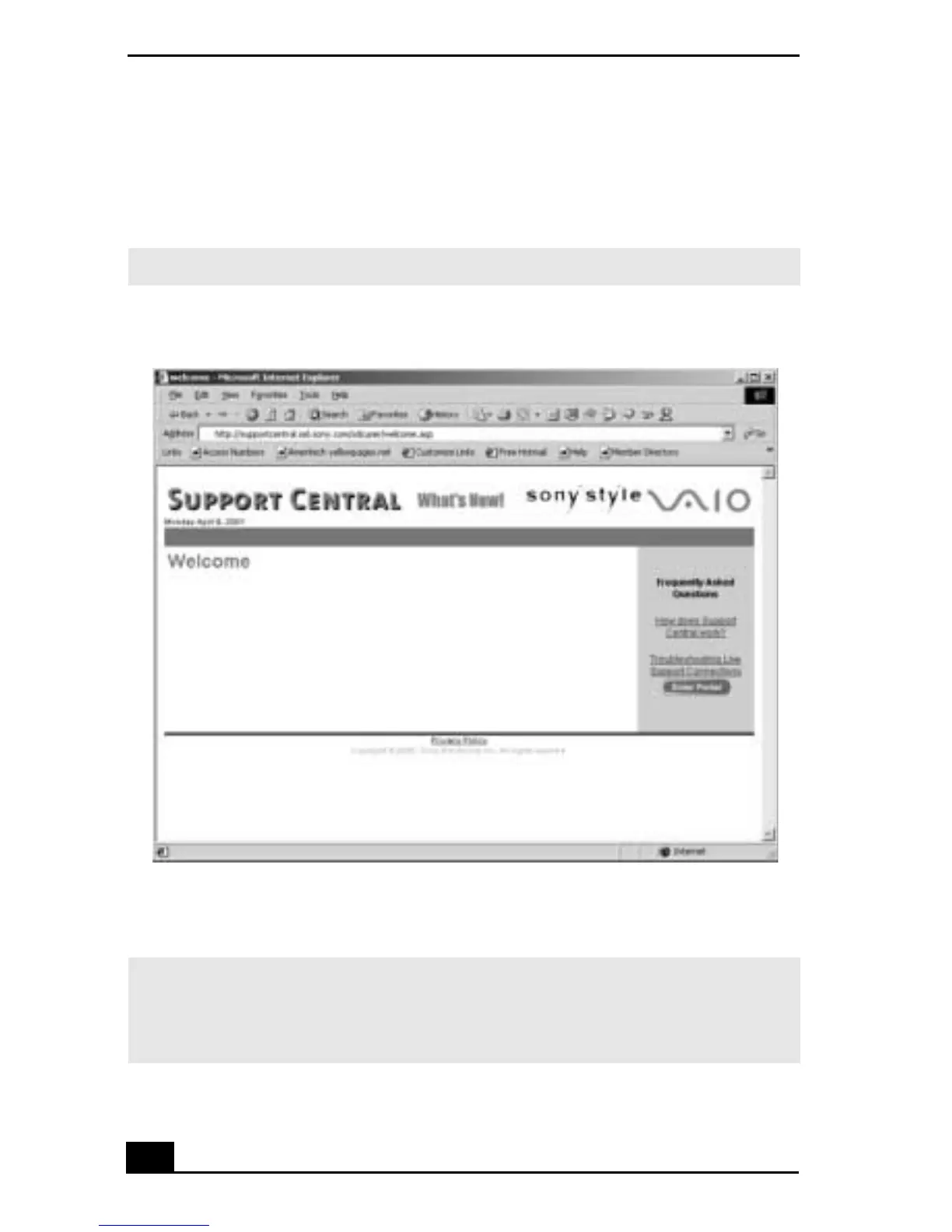
2 From the VAIO Support Agent main window, click Support Central. The
Support Central Welcome page appears.
3 Click Enter Portal to begin using Support Central. First-time users will be
asked to register with Support Central.
✍ You must have Internet access to use Support Central.
Support Central: Welcome page
✍ Support Central retains your registration information, so you are only required to
register once. If you log on to your notebook with a different user name or have
recovered your system using the System Recovery CDs, Support Central may require
you to register again.









 To Next Page