Change text in this variable definition to document title.
116
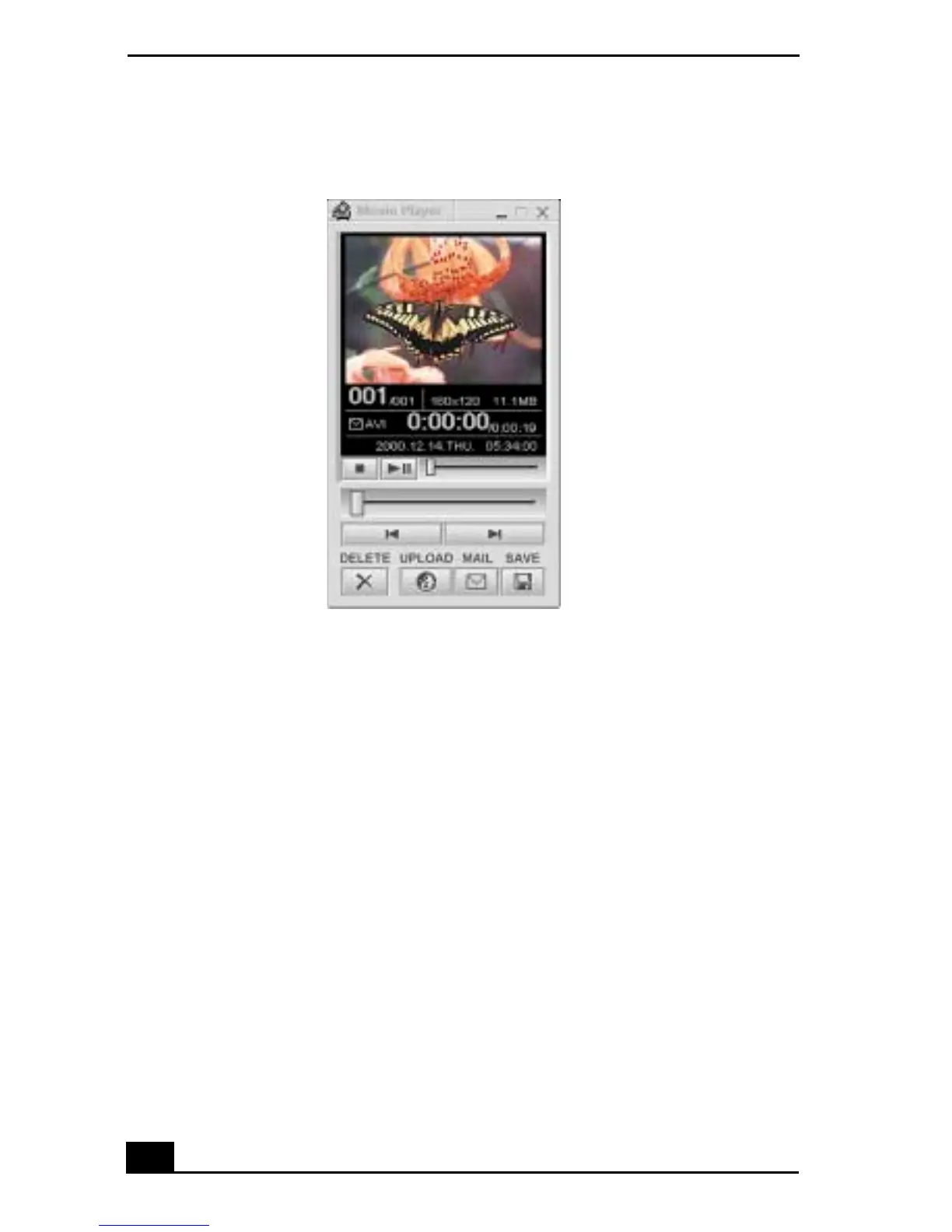
3 You can review your movie from the Movie Player window by using the
play, pause and stop buttons. Click on the arrows or drag the scroll bar to
view your movie. Each frame is displayed with an identifying number in the
queue.
Managing your movie in Net Movie mode
From the Movie Player window, you can perform various functions using the
task buttons:
❑ Delete — Discard any frame or the entire movie by clicking on the Delete
button. The frame or movie is removed from the Movie Player window.
❑ Upload — Compress and send your movies online to the ImageStation Web
site to share with your family and friends. ImageStation stores your movies
online when you register for this free service. See “Using ImageStation”
below.
❑ Mail — E-mail your movies to family and friends. Click on the Mail button
and your e-mail application launches with a new message window
containing the movie.
Movie Player window









 To Next Page