VAIO Support Agent
155
window with an explanation and instructions to follow. Others will cause the
ambulance icon on your task tray to blink. You should always check the
ambulance icon in the task tray after the system checks for updates. If the icon is
blinking, double-click the ambulance icon to view the update.
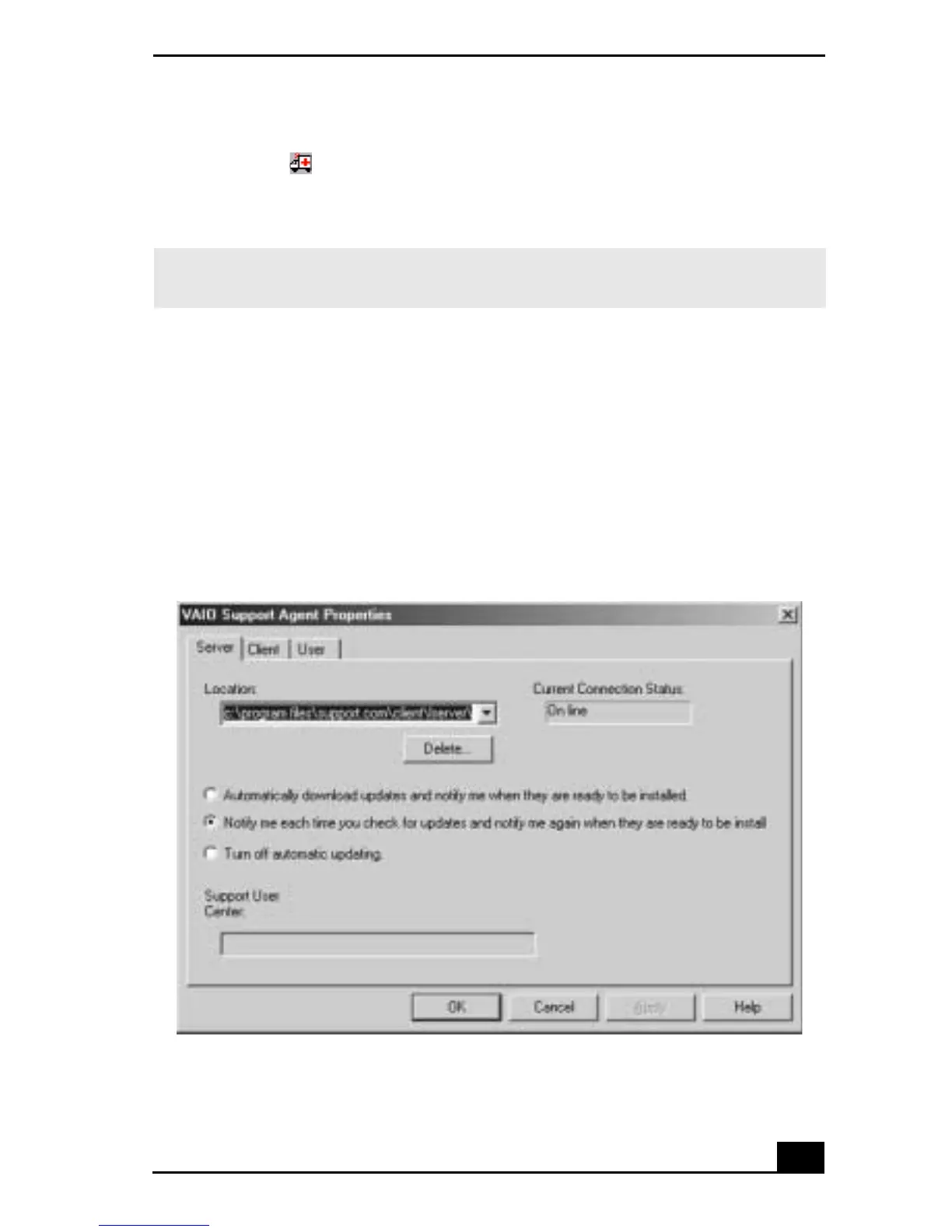
VAIO Support Agent properties
To control the VAIO Support Agent automatic update feature, follow these steps:
1 In the VAIO Support Agent main screen, select Tools, then select Properties.
The VAIO Support Agent Properties dialog box appears.
2 Select one of three options to customize the automatic update feature.
3 Click OK.
✍ When clicking on the flashing ambulance icon, you must be connected to the Internet
to receive an update.
VAIO Support Agent Properties window









 To Next Page