Change text in this variable definition to document title.
54
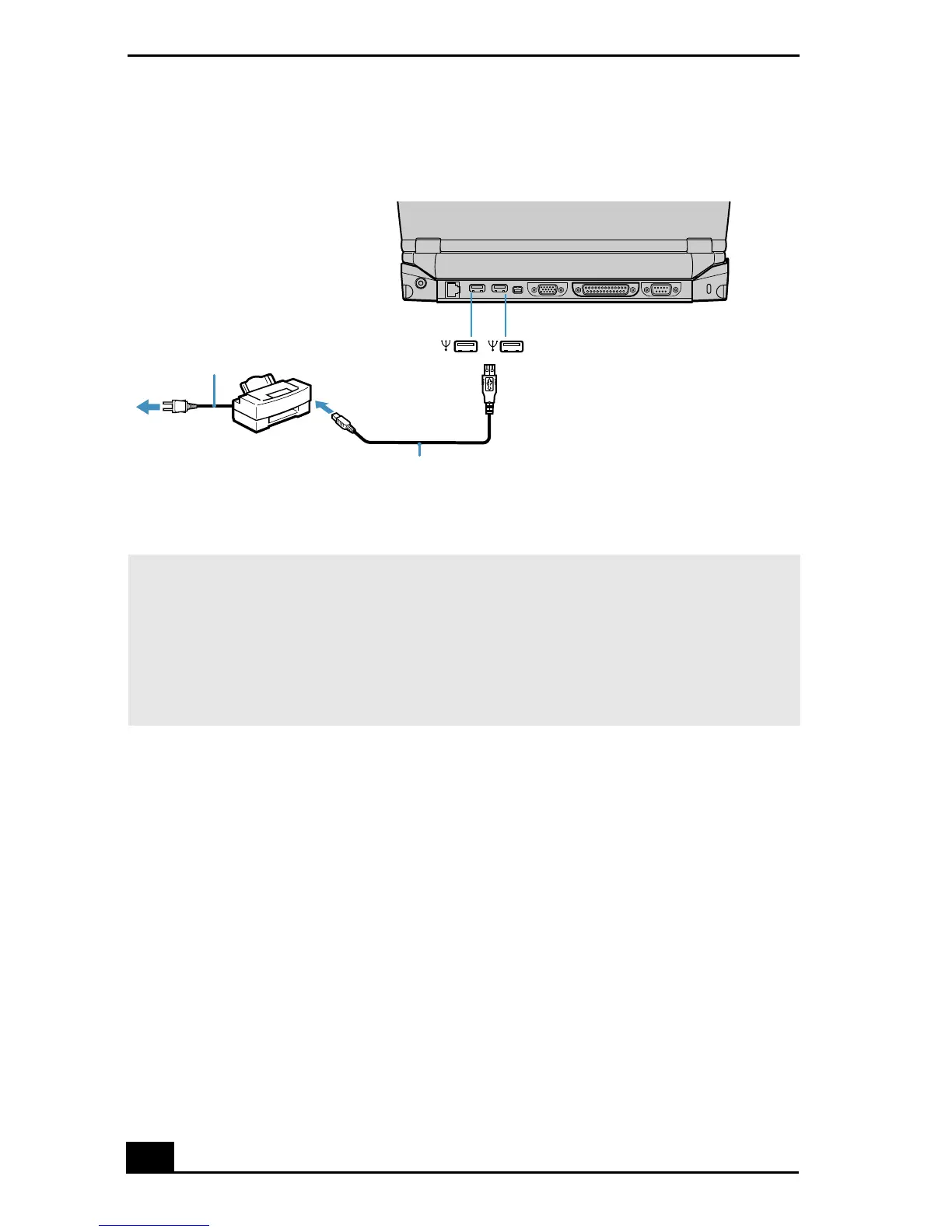
Connecting a USB Printer
✍ Note the following:
❑ See the manuals that came with your printer for more information on printer
installation and operation.
❑ Before operating the printer, ensure that the Printer setting in the Sony Notebook
Setup software is properly set. See “Displaying the Sony Notebook Setup
Screen” for more information.
Power cord
USB printer cable (not supplied)
Printer
To USB port









 To Next Page