Selecting the Display Mode
79
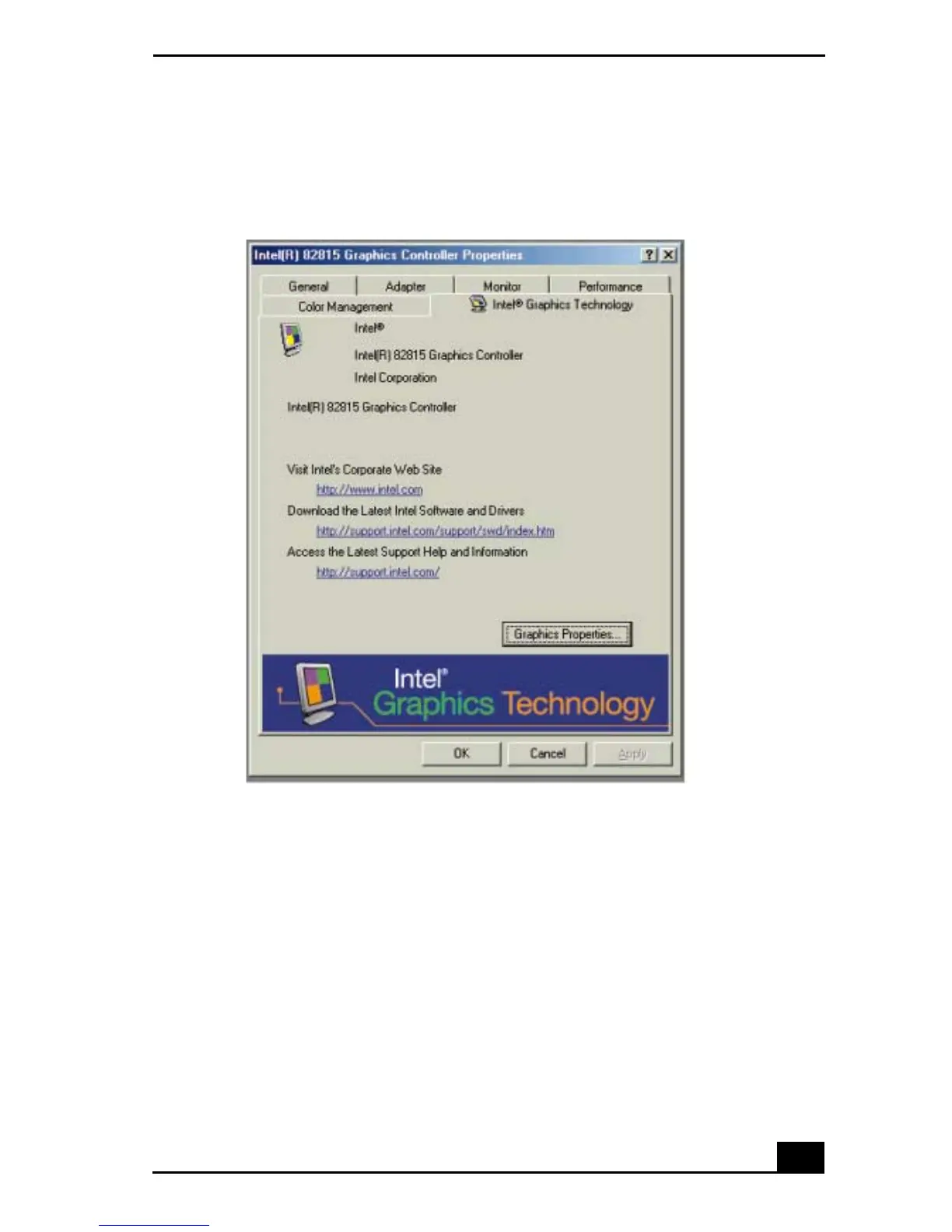
3 Click the Settings tab, then click the Advanced button to display the Intel®
82815 Graphics Controller Properties dialog box.
4 Click the Intel® 82815 Graphics Technology tab, then click the Graphics
Properties button.
5 Click the Driver Configuration tab.
6 Ensure that the Synchronous Display Mode box is selected, then click
Apply.
7 Click the Device tab.
8 Select the type of display.
Intel® 82815 Graphics Controller Properties Screen









 To Next Page