74
nN
Connecting peripheral devices
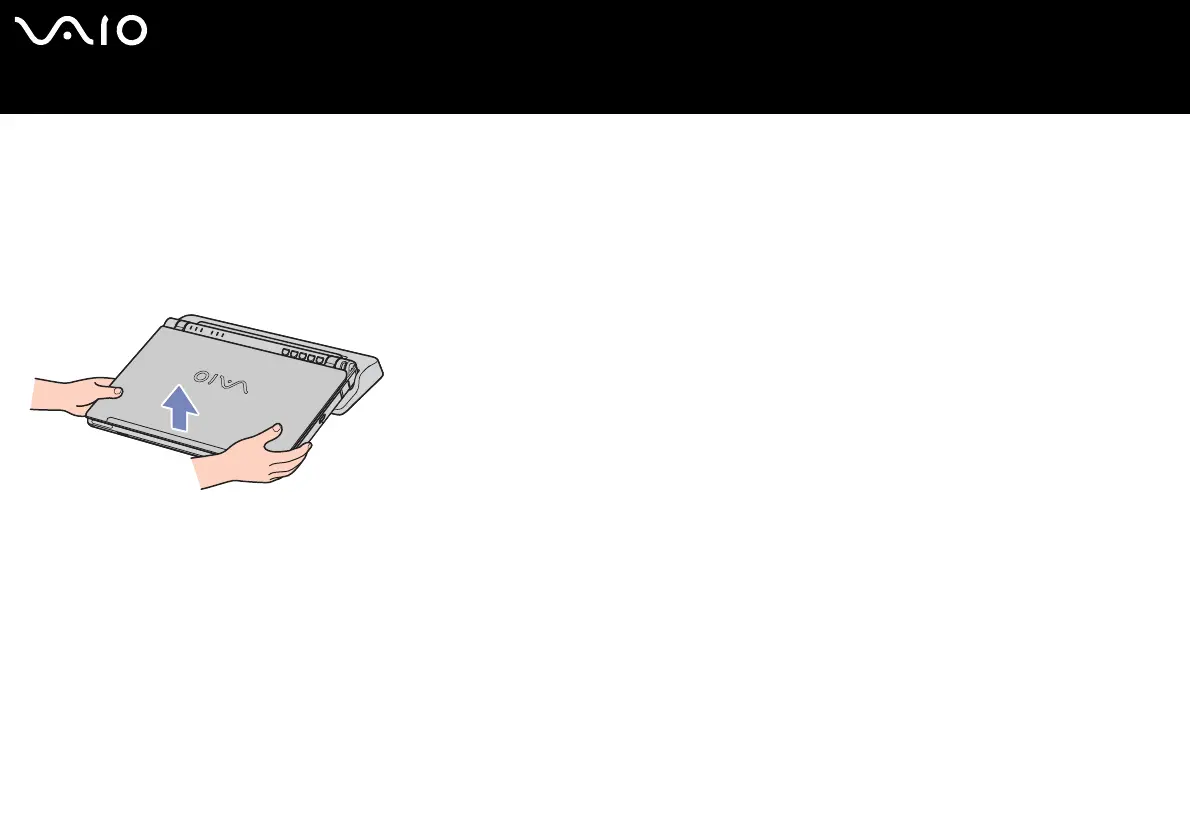
Disconnecting your computer from the docking station (VGN-T series)
To disconnect your computer from the docking station, proceed as follows:
1 Turn off the notebook.
2 Turn off all peripherals connected to the notebook.
3 Lift the computer away from the docking station.
4 Replace the docking station cover located at the bottom of the notebook.
✍ To disconnect your docking station completely from the mains voltage, unplug the AC adapter.






 To Next Page