75
nN
Connecting peripheral devices
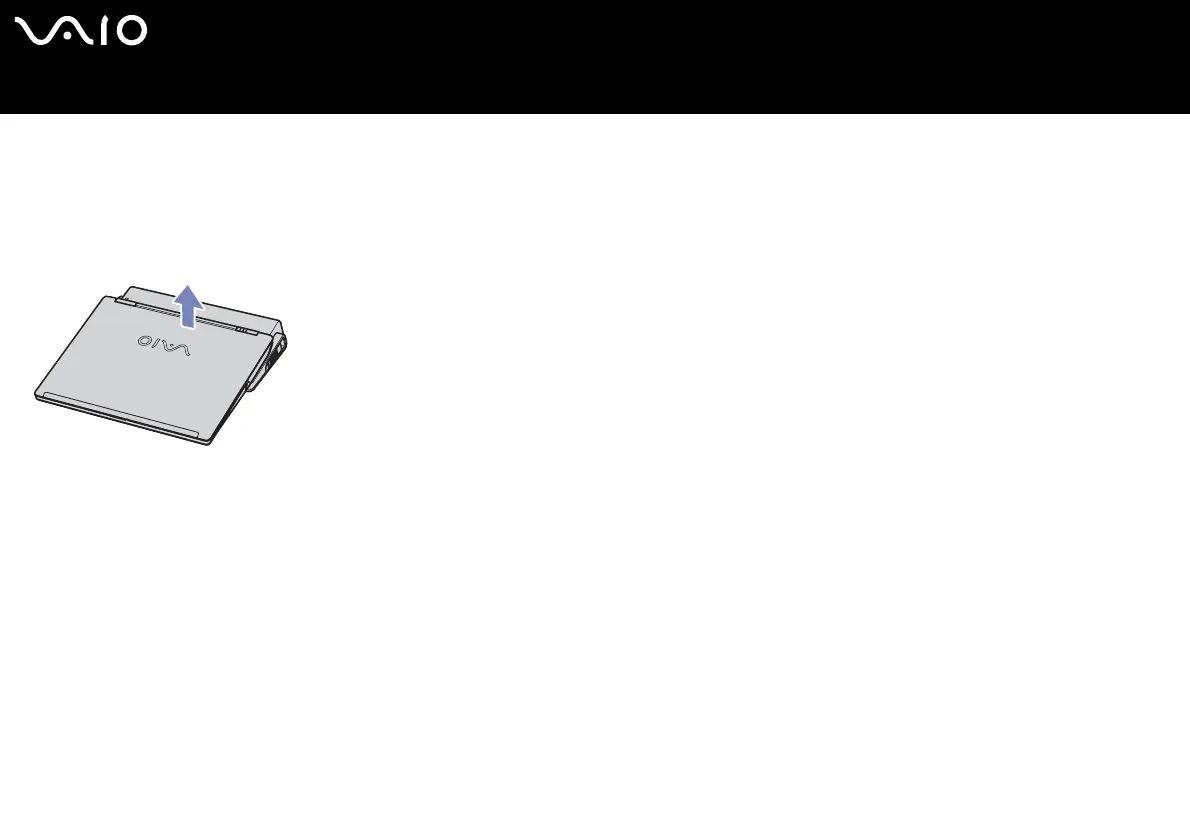
Disconnecting your computer from the docking station (VGN-B series)
To disconnect your computer from the docking station, proceed as follows:
1 Stop the connected periperals.
2 Lift the computer away from the docking station.
3 Close the docking station connector cover on the bottom of your computer.
✍ It is extremely important to close the docking station connector cover after removing your computer from the docking station. If the cover is left open, dust may get inside
and damage the computer.
To disconnect your docking station completely from the mains voltage, unplug the AC adapter.






 To Next Page