31
GB
Projecting the Picture on the Screen
Projecting
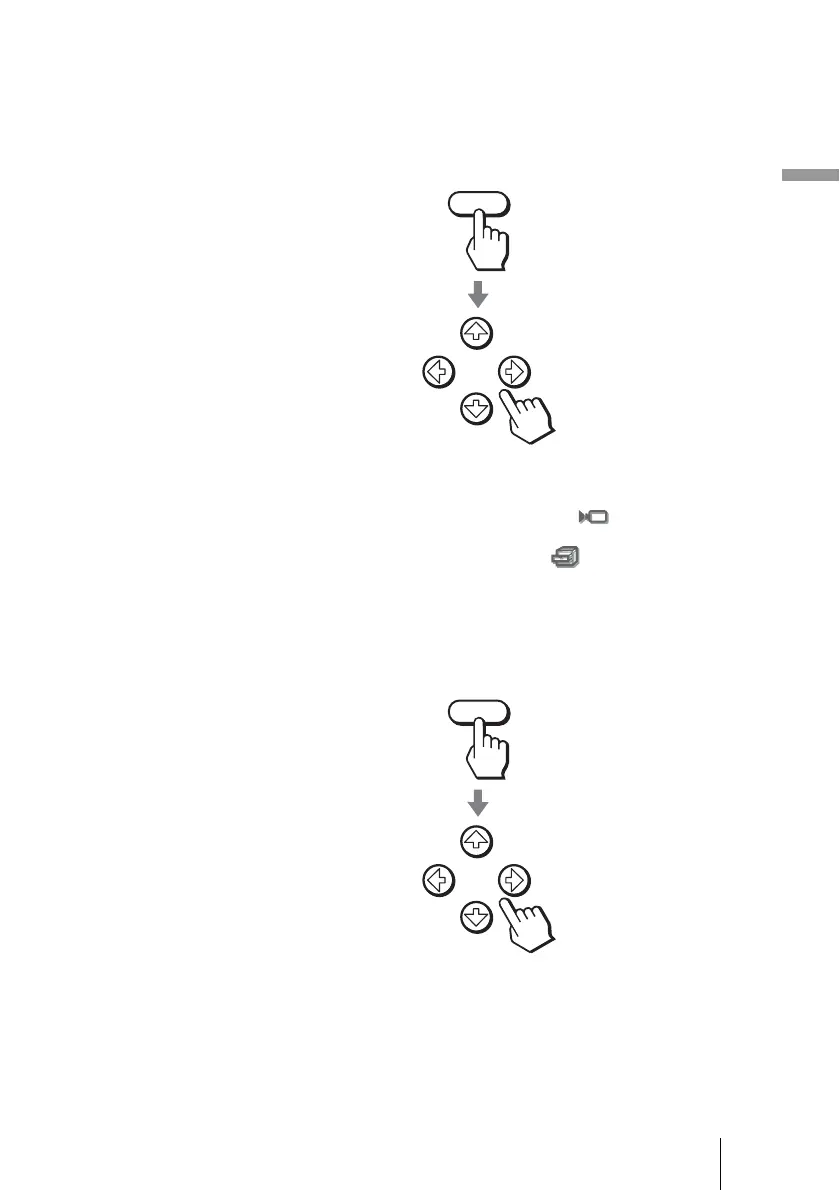
5 Adjust the picture size.
Press the LENS button repeatedly until the Lens Zoom adjustment window
(test pattern) appears. Then adjust the size of the picture by using the M/m/
</, buttons.
To make the picture larger, press M or , .
To make the picture smaller, press m or <.
Tip
When “Lens Control” is set to “Off” on the Installation menu, you cannot
adjust the picture size and the focus of the picture. (1 page 51)
When “Test Pattern” is set to “Off” on the Function menu, the test pattern is
not displayed. (1 page 50)
6 Adjust the focus.
Press the LENS button repeatedly until the Lens Focus adjustment window
(test pattern) appears. Then adjust the focus of the picture by using the M/
m/</, buttons.
To adjust the vertical position
You can also adjust the vertical position using the LENS button. (1 page 23)
LENS
LENS



 To Next Page