85
GB
Making Fine Adjustments to the Horizontal Picture Position
Others
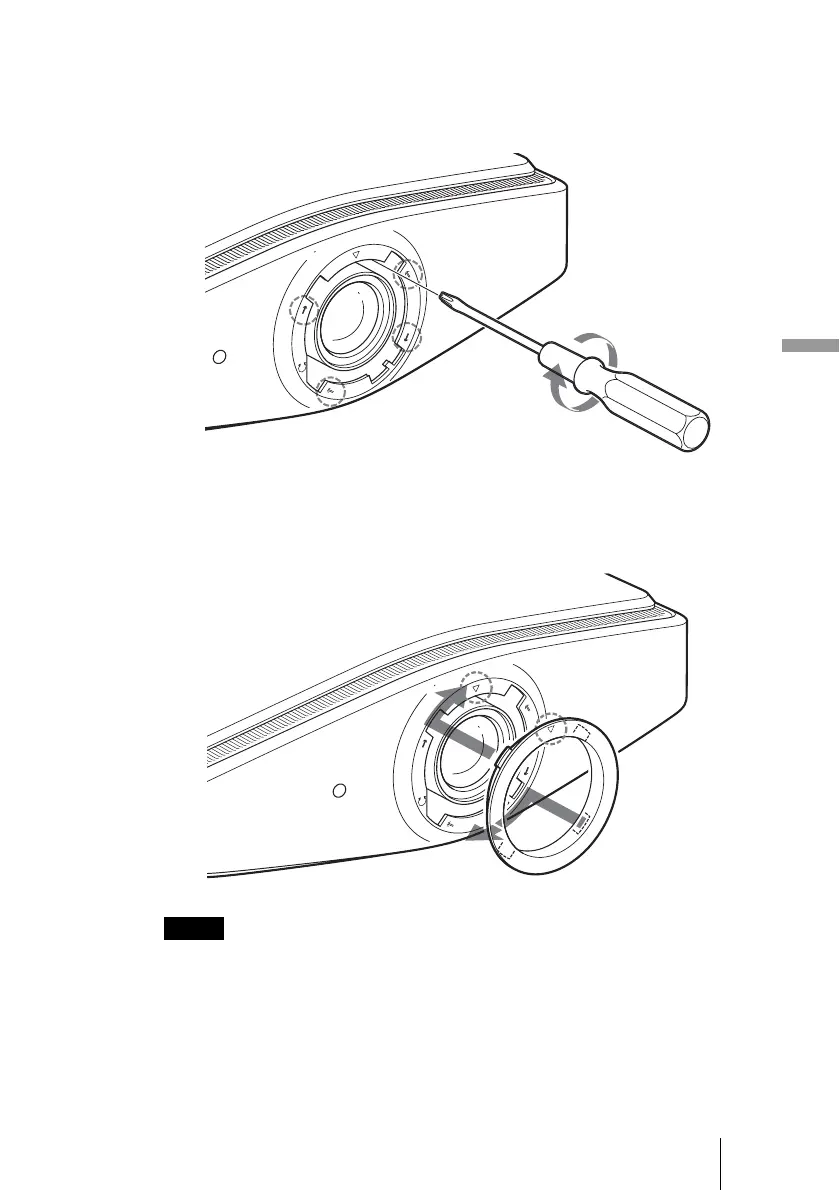
4 After you have decided the lens position, insert the Philips
screwdriver at the locations of the four screws around the
border of the lens in turn and tighten them to fix the lens in
place.
5 Attach the ring (washer) aligning the F mark on the inside of
the ring with the
F mark on the projector by turning it
clockwise.
When you use the horizontal and vertical lens shift features at the same time and adjust
the horizontal lens shift to the maximum, the picture moves up by a maximum of 0.53
of the screen size from the center of the lens.
Note



 To Next Page