16
Switching between piece and weight reading
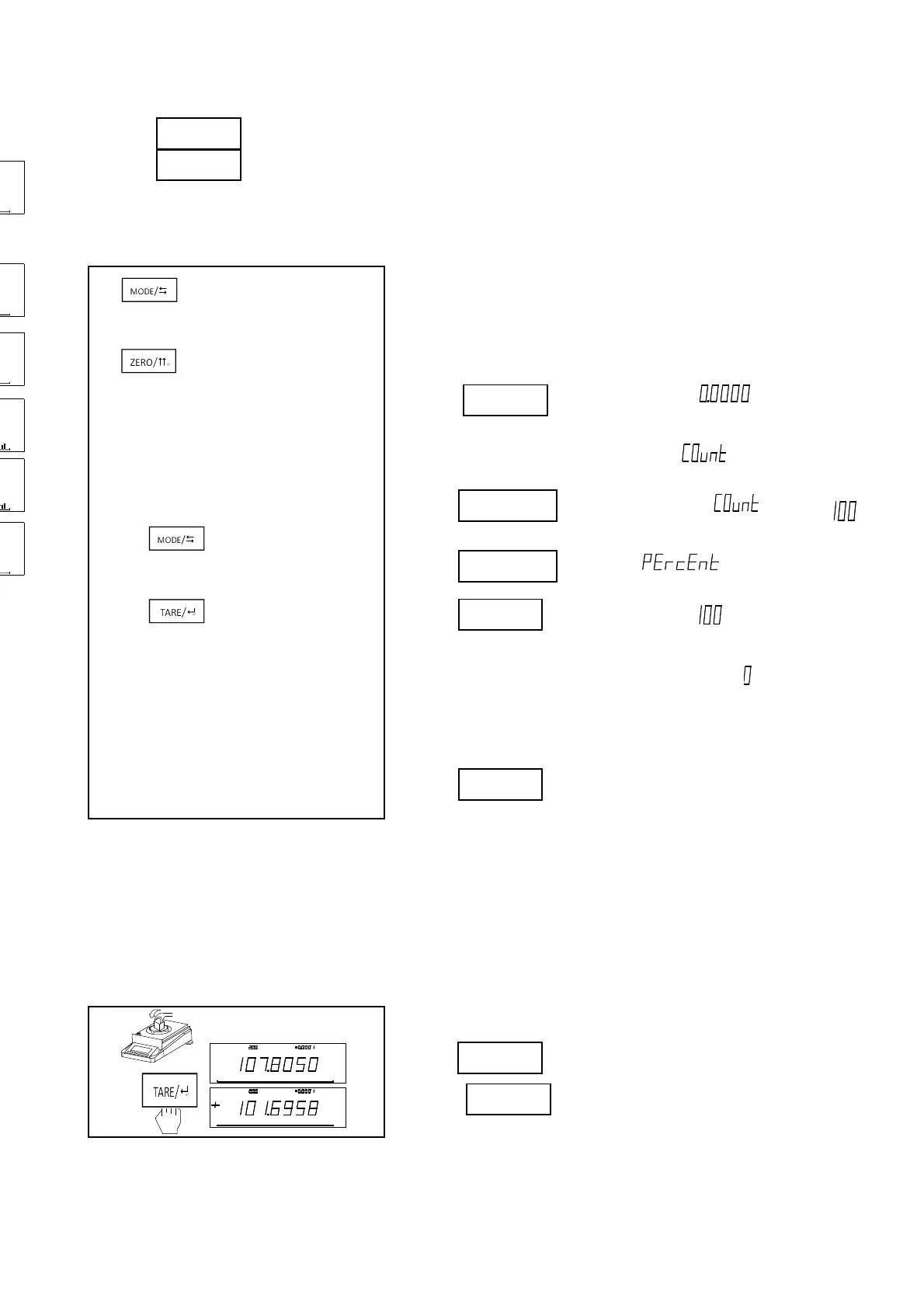
· Add sample on the container, shows piece count
· Press , shows weight.
· Press again,return to showing piece.
2、Weighing in Percent
Steps:
·Put container on the balance. (Quit this step if no container is
needed.)
· Press , then balance shows” ”.
· Place sample on the weighing pan.
· Press untill balance show “ “.
· Press to switch “ ”.
· Press twice, then shows “ “.
· Remove reference sample, then balance shows “ “.
· Put the tested sample on the weighing pan.
· Press for long time to exit.
Notice:Notice:The minimum weight =10d(d:minimum scale),. The sample could not be more than maximum
weight.
Switching between percentage and weight reading
· Add sample on the container, shows percentage.
· Press , shows weight.
· Press again,return to showing percentage.
g
%
%
%
M a x :
g
d
%
g
1 00 %0
M a x : gd
g
g
1 00 %0
皮
去
100%
100%
%
100%
%
100%
%
100%
%
100%



 To Next Page