22
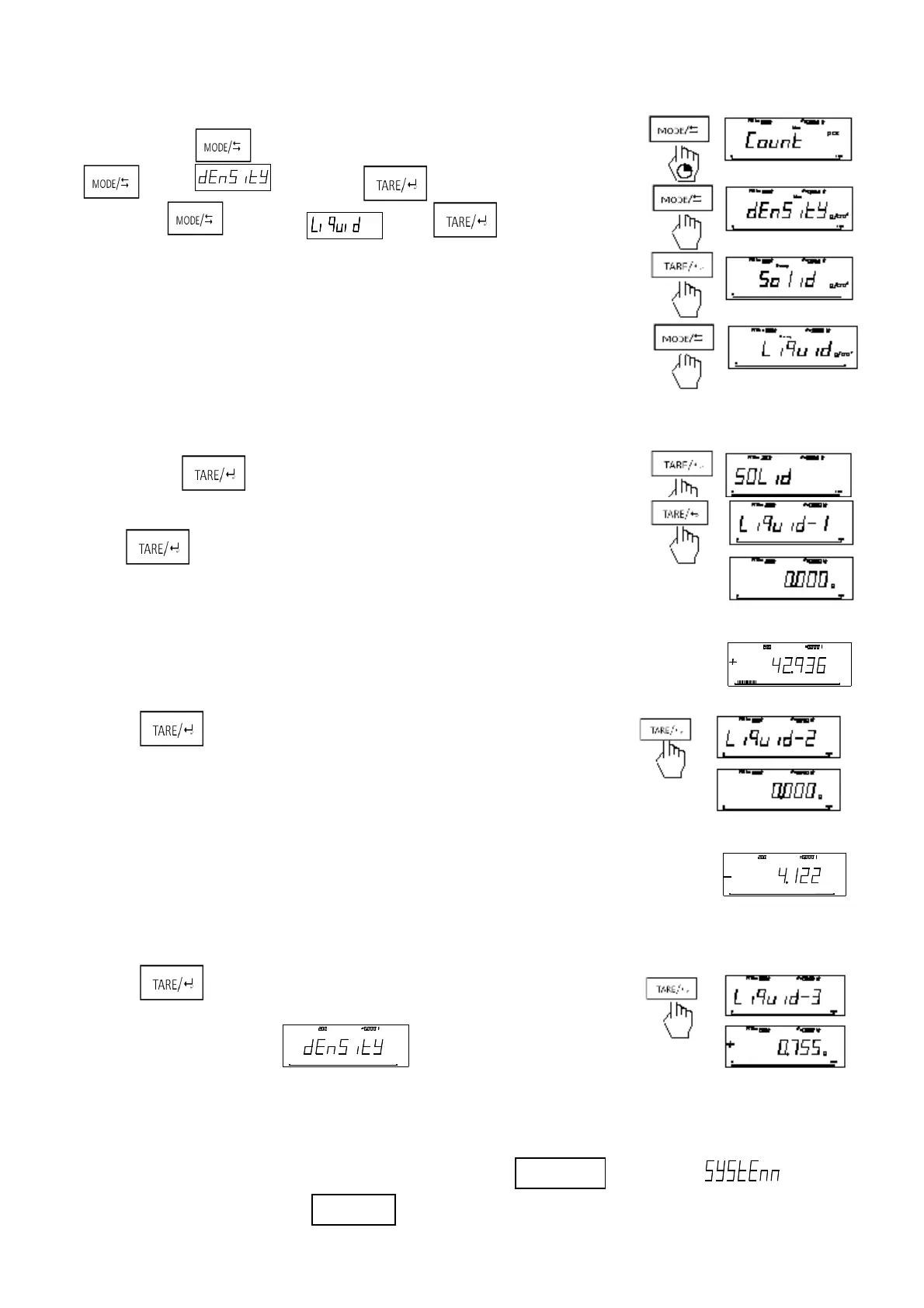
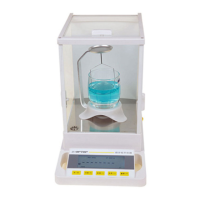
1. Start the Balance and warm-up. Then install the density device.
2. Long press , enter the mode of switching –mode, short press
enter . Short press enter the mode of density
Short press to into the . Press enter the
density of liquid.
3. Short press to start measure.
4. Use the determined liquid into cup (about 2/3 of cup)
Press to start measure.
5. Put the standard plumb on the weighting pan
6. Press after stable.
7. Put the standard plumb on the nacelle
Notice: Immerse plumb into the liquid.
8. Press after stable. The balance display the density
of the determined liquid.
4.6 System
This series balance can check temperature, data and time. Press untill shows “ ”, then
Men u
Max : gd
g
/cm
3
g
100%0
Max:
g
d
g
g
100%0
Max:
g
d
g
g
100%0



 To Next Page