21
6)Example----Solid Density Measure (Example for JA3003J)
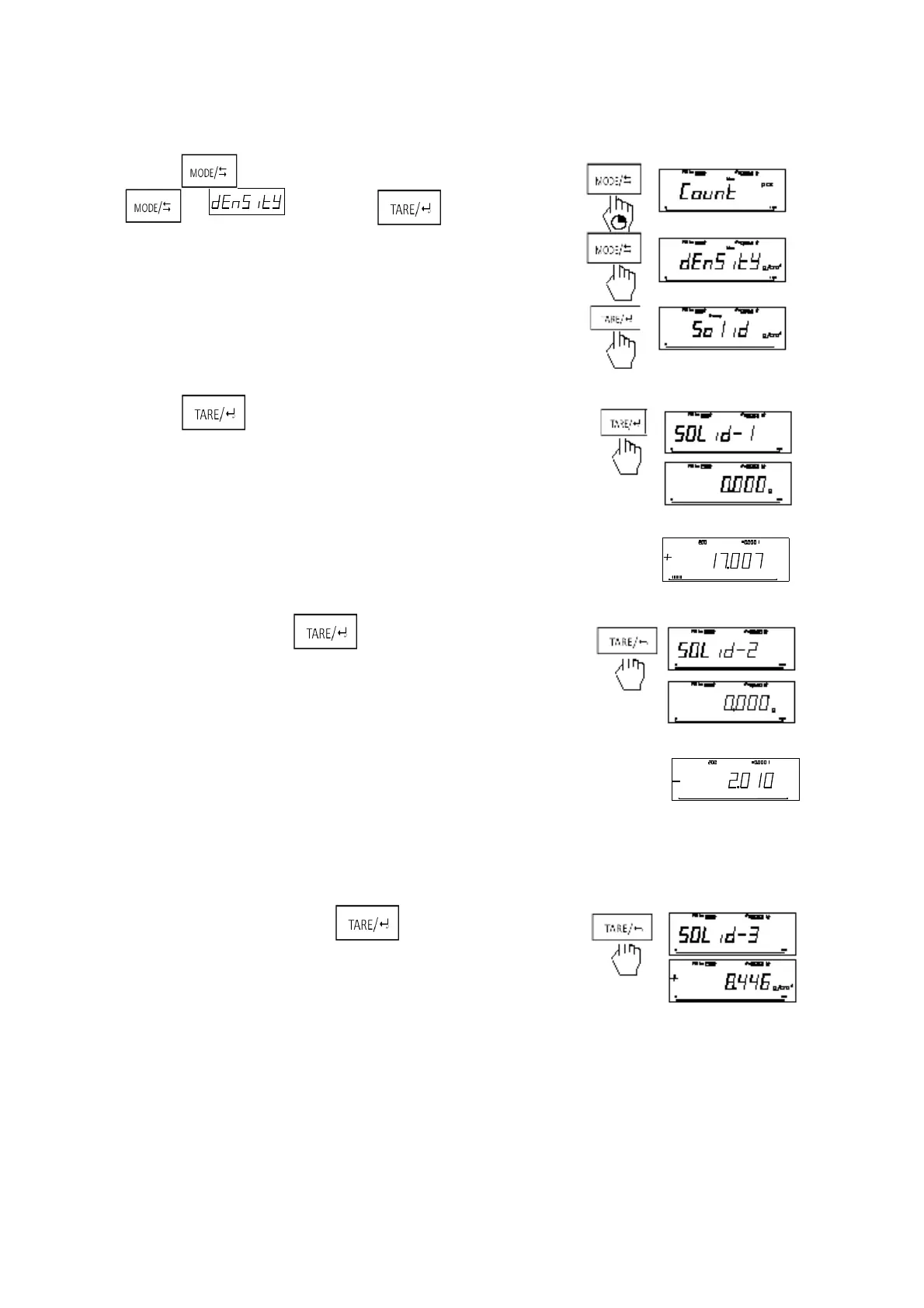
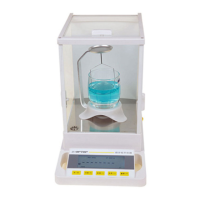
1. Start the Balance and warm-up. Then install the density device.
2. Long press , enter the mode of switching –mode, short
press to . Short press enter the mode of
density of solid.
3. Short press to start measure.
4. Put the determined object into the weighting pan
5. After weighting stably, press
6. Put the determined object on the nacelle under the testing shelf.
Notice: Immerse the object into the liquid.
7. When balance is stable, shore press , balance display the
density of measured solid.
Notice: In order to ensure the accuracy of measurement, in the process of measurement, the test shelf do not
touch the glass, the C-style bracket do not touch the shelve table.
7). Example-----Liquid Density Measure (Example for JA3003J)
Max:
g
d
g
g
100%00
Ma x: gd
g
g
10 0%0



 To Next Page