32
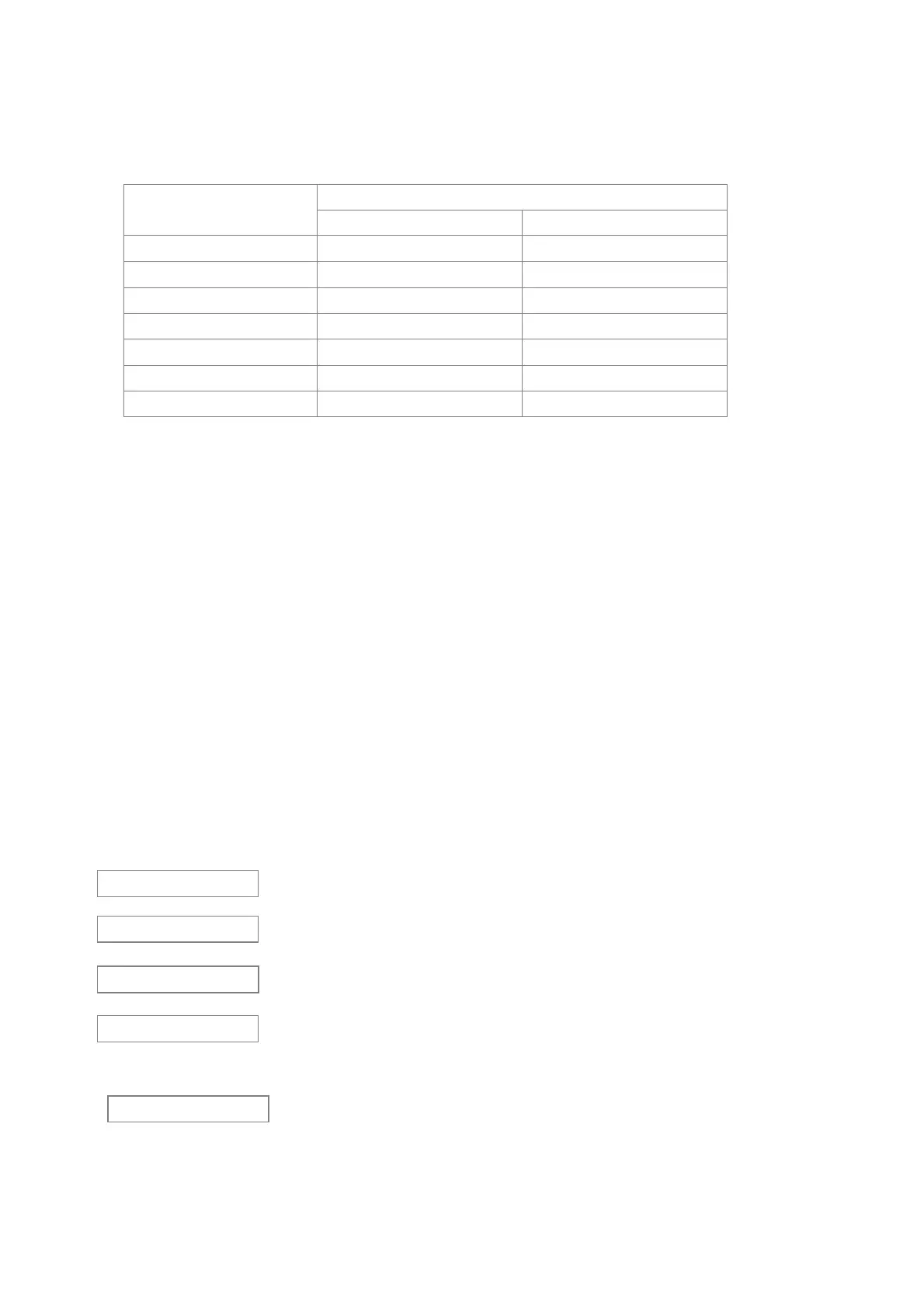
3~11 weighing area,same to the balance. The byte no showing is vacant code.
13~14 unit area,may be not same to the balance.
Balance display
Output
13 14
g g(lowcase) vacant code
oz o(lowcase) z(lowcase)
oz.g o(lowcase) g(lowcase)
ct c(lowcase) t(lowcase)
p p(lowcase) vacant code
pcs p(lowcase) s(lowcase)
% % vacant code
7.2 Failure Information and Solutions
Recovery Processing:Please contact your sales department or us if your balance works wrongly.
Some problems can be solved immediately.
1)If the self-test is not correctly performed, will display as follow:
CPU broken, need to repair.
Keyboard error
Storage lost
A/D model is not started
2)Errors occurred during weighing
a. Weight is too heavy, exceed the max weight:
·The sample is too heavy, please decrease the weight.
·The balance may be calibrated incorrectly (using calibration weight lighter than the standard),
E C ×
E C 2
E C 4
H
E C 3



 To Next Page