20
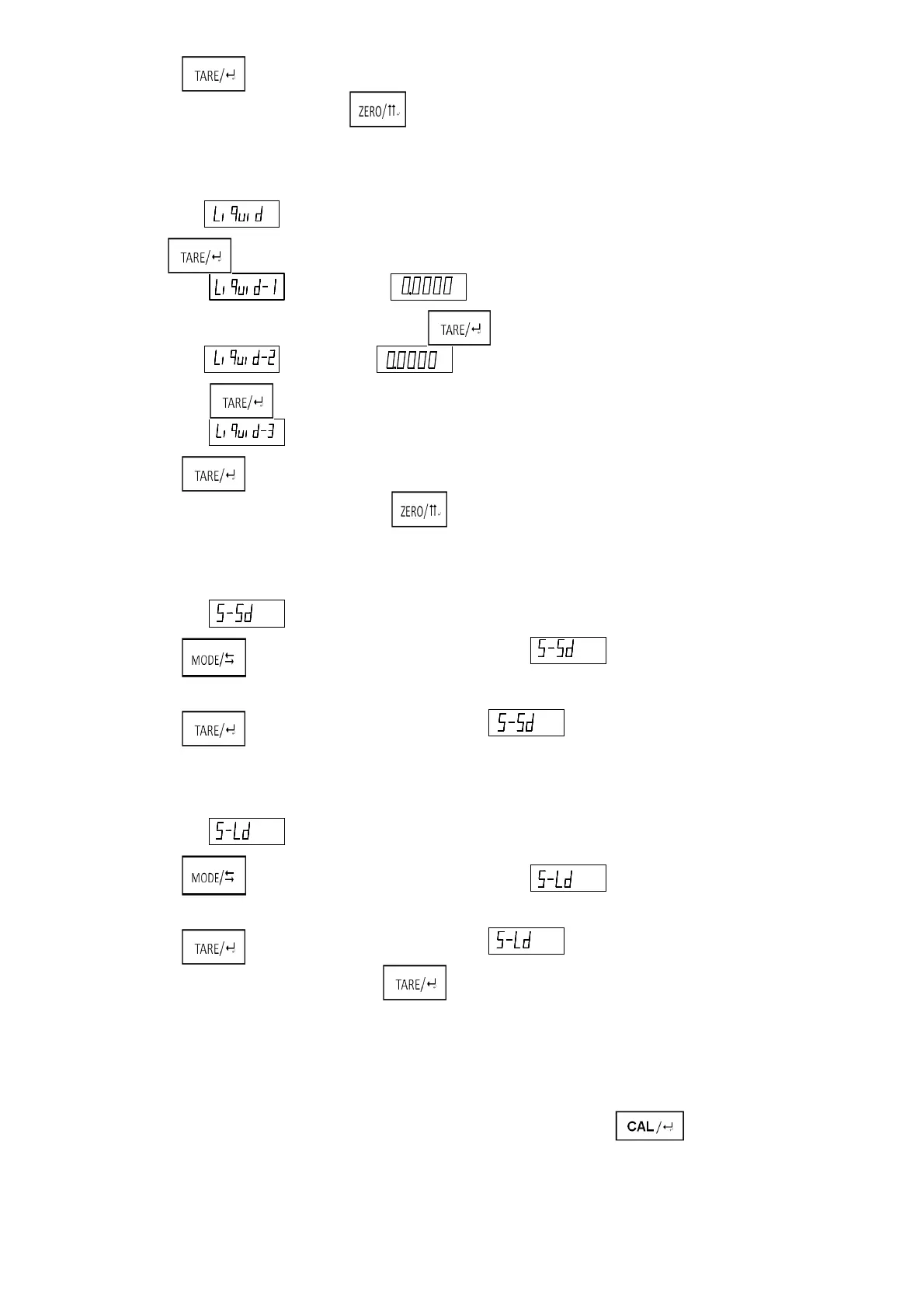
5. Short press , return to the step one.
6. In the process of measurement, press , to return to the step one directly.
2)Liquid Density Measure
1. Balance display , and remove the object on the weighing pan and basket, then short
press .
2. Balance display , until showing put the solid which have known the density on the
weighting pan. When the balance is stable, press.
3. Balance display , until showing . Immerse the solid into the measure liquid. When balance
is stable, press.
4. Balance display ,showing the density of measure liquid.
5. Short press , return to the step one.
6. In the process of measurement, short press to return to the step one directly.
3)Standard Solid Set
1. Balance display , XX means the solid system selecting currently.
2. Short press , to shift the kind of solid. Balance display , the range of XX is from 01 to 09.
Each number stands each kind of standard solid.
3. Short press , select current solid. Balance display to return to the step one.
4) Standard Liquid Set
1. Balance display ,XX means the liquid system selecting currently.
2. Short press ,to shift the kind of liquid. Balance display t, the range of XX is from 01 to 09.
Each number stands each kind of standard liquid.
3. Short press , select current solid. Balance display to return to the step one.
Notice: In the process of measurement, press at any time to return to the mode of basic weighing.
5)User-defined Standard Material
According to the method of test of solid density or liquid density to measure the density of a
standard material. When balance display the density of material, long press
Then store the density of standard material to the corresponding table number 09
XX
-XX
XX
XX
-XX
XX
g
g



 To Next Page