OPERA
TION–MUSIC
PLA
YBAC
K
MODE
(CONTINUED)
18
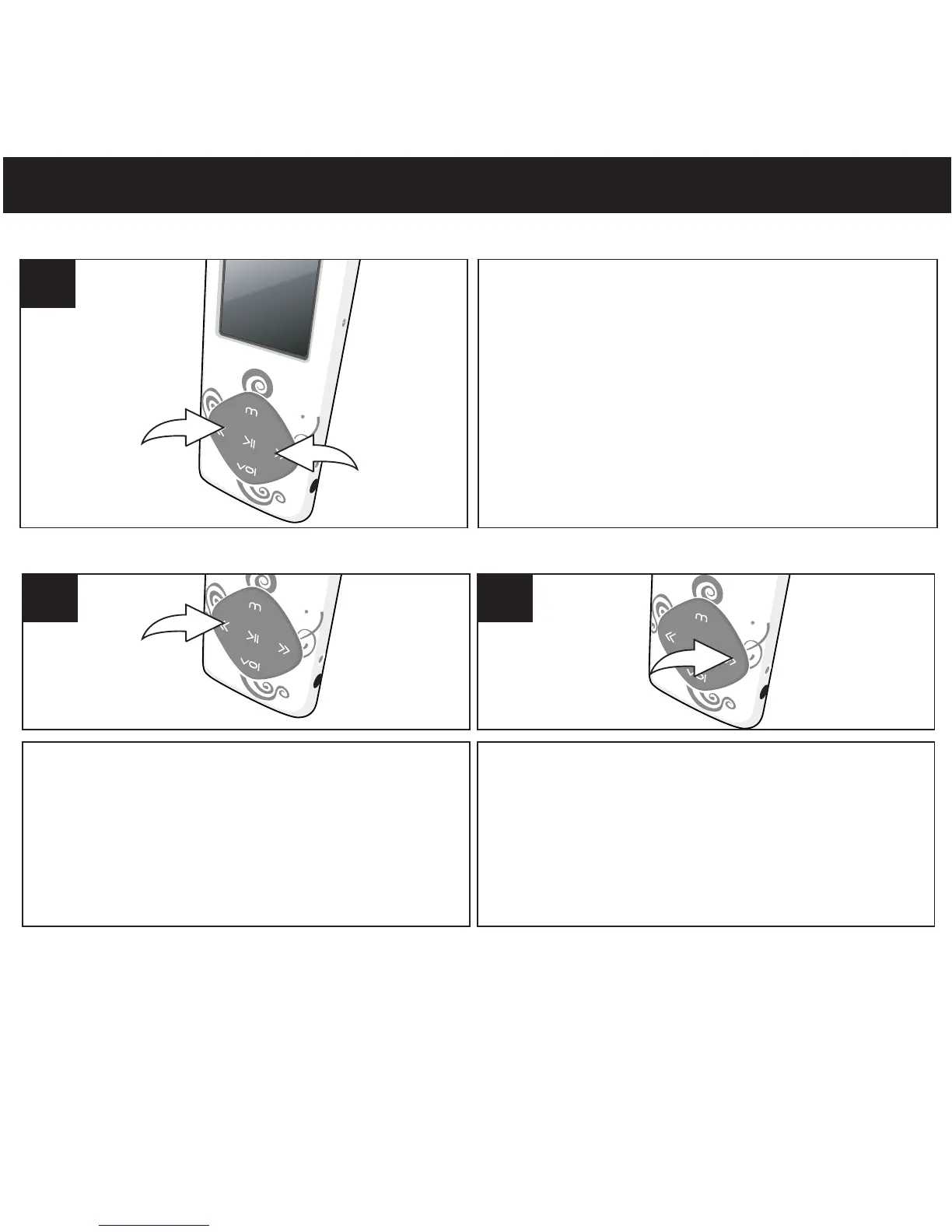
During playbac
k, press and hold the
Navigation Down/Skip–Search l1or Up/m
2 button to move the player forward or
backward within a file to locate a specific
musical passage. The player will move
forward or backward at high speed as long
as the button is held. When you release the
button, normal playback will resume.
1
HIGH-SPEED MUSIC SEARCH
During playbac
k, press the Navigation Up/
Skip–Search m button to skip the player
back to the beginning of the currently playing
file. Press the Navigation Up/Skip–Search m
button repeatedly to skip the player to
previous track.
1
FORWARD/REVERSE SKIP
During playbac
k, press the
Navigation
Down
/Skip–Search
l b
u
t
t
o
n
t
o
a
d
v
a
n
c
e
t
h
e
p
l
a
yer to the beginning of the next file. Press
the
Navigation Dow
n/Skip–Search
l button
repeated
ly to skip the player to next track.
2



 To Next Page