CHARGING THE BATTERY
7
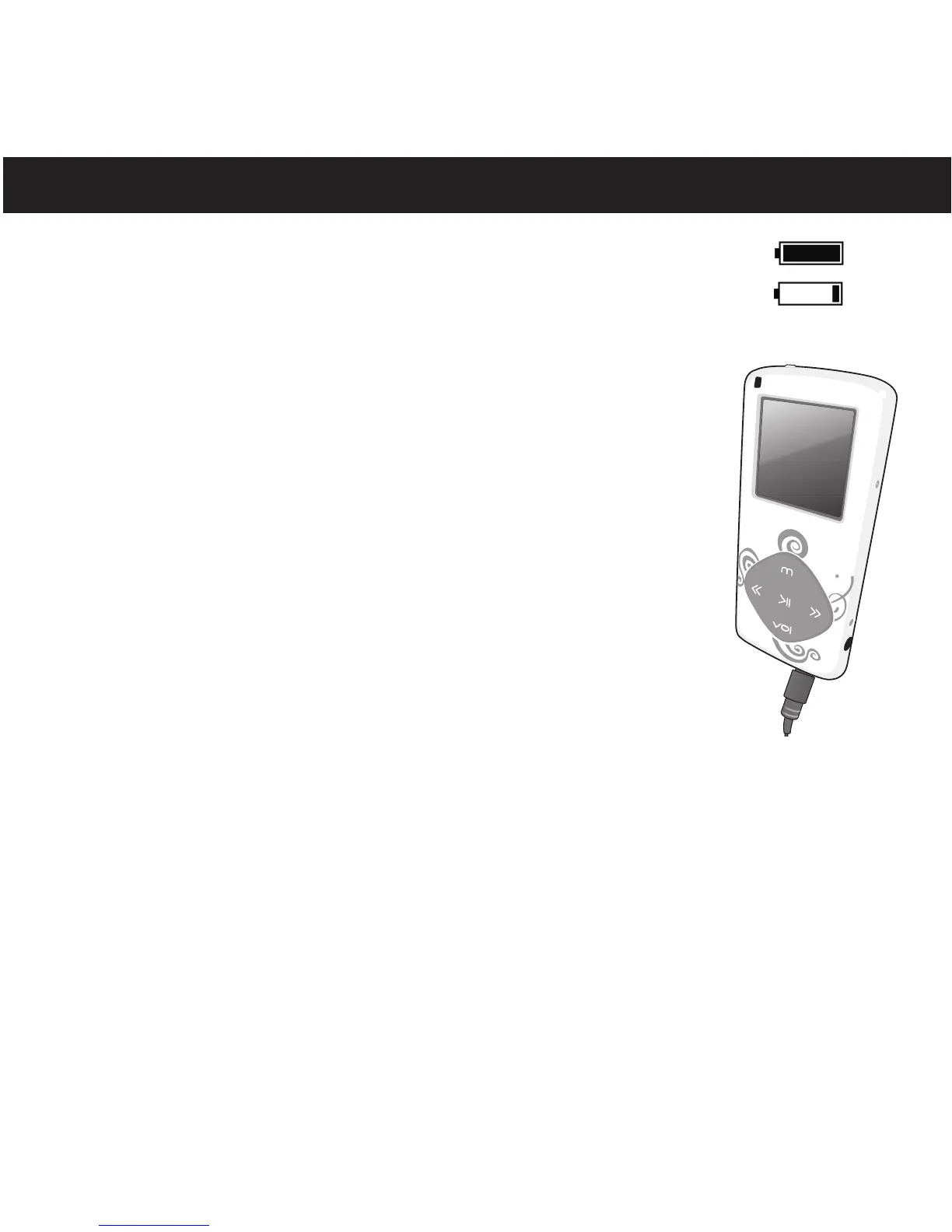
This unit has a built-in Lithium Polymer rechargeable battery. When the bars
in the battery indicator (in the display) become low (see Figure 1) and
especially when the Battery Low indicator appears, recharge the battery as
follows.
1. Connect the USB cable to the USB jack on the bottom of this
unit (as shown) and to the USB port on your computer. When
charging, the battery indicator will cycle from empty to full.
Once the battery is fully charged, the battery indicator will
stop cycling.
NOTES:
• To disconnect this unit from your computer, make sure to follow the “Safely Remove
Hardware” instructions on page 15.
• It takes approx. 3 hours to charge the battery from empty to full. When fully charged,
the unit can playback for approx. 8 hours in Music Playback mode. (Actual playback
times may vary.)
• For data transfer, please use the USB cable (included) to connect the unit to
your computer.
Figure 1
Full
battery
Low
Battery



 To Next Page