OPERA
TION–
VIDEO(AMV) PLAYBACK MODE
19
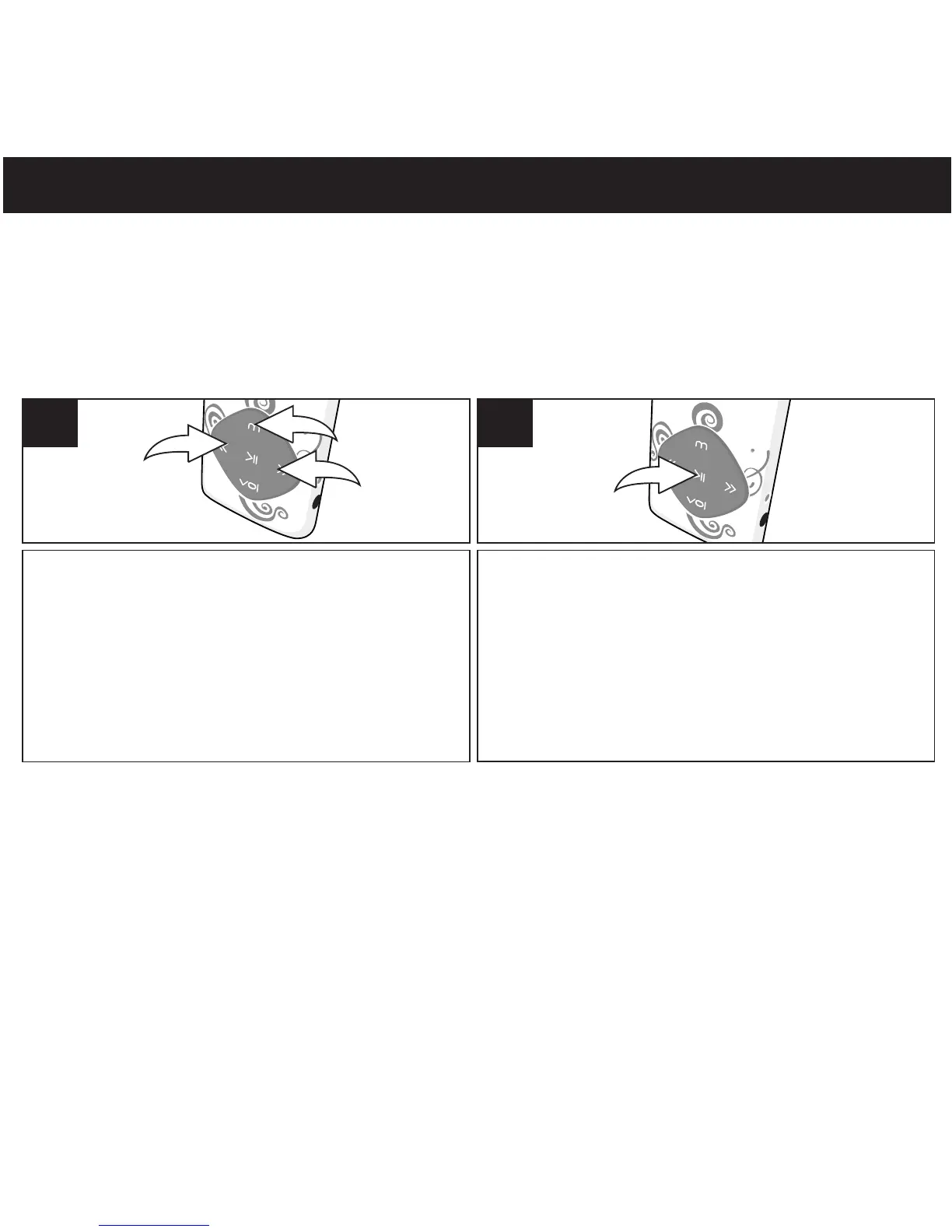
Turn the unit on as shown on page16 . If the unit
is already on and in another mode, press
and
hold the Mode/Enter button ; the mode
menu screen will appear. Select AMV using
the navigation Down/Skip-Search button
or navigation Up/Skip-Search button
then press the Mode/Enter again to select
it.
1
TO PLAY VIDEO(AMV)
This unit supports the following video formats: AMV(Need AMV conversion software (Included)
to process the video conversion. Please refer to the page 33 for video conversion).
Press the Power/Play/Pause ®p button to
start playback.
2
NOTE:
While the video(AMV File) is stopped/paused, press Mode/Enter to go to submenu(Local
Folder, Delete, Delete All, Repeat). Press navigation Down/Skip-Search button or Up
button to select and press Mode/Enter button to enter. Press Power/Play/Pause to return
menu.
®p
l
2
m
3
1
1
l
m



 To Next Page