28
SETTING MENU
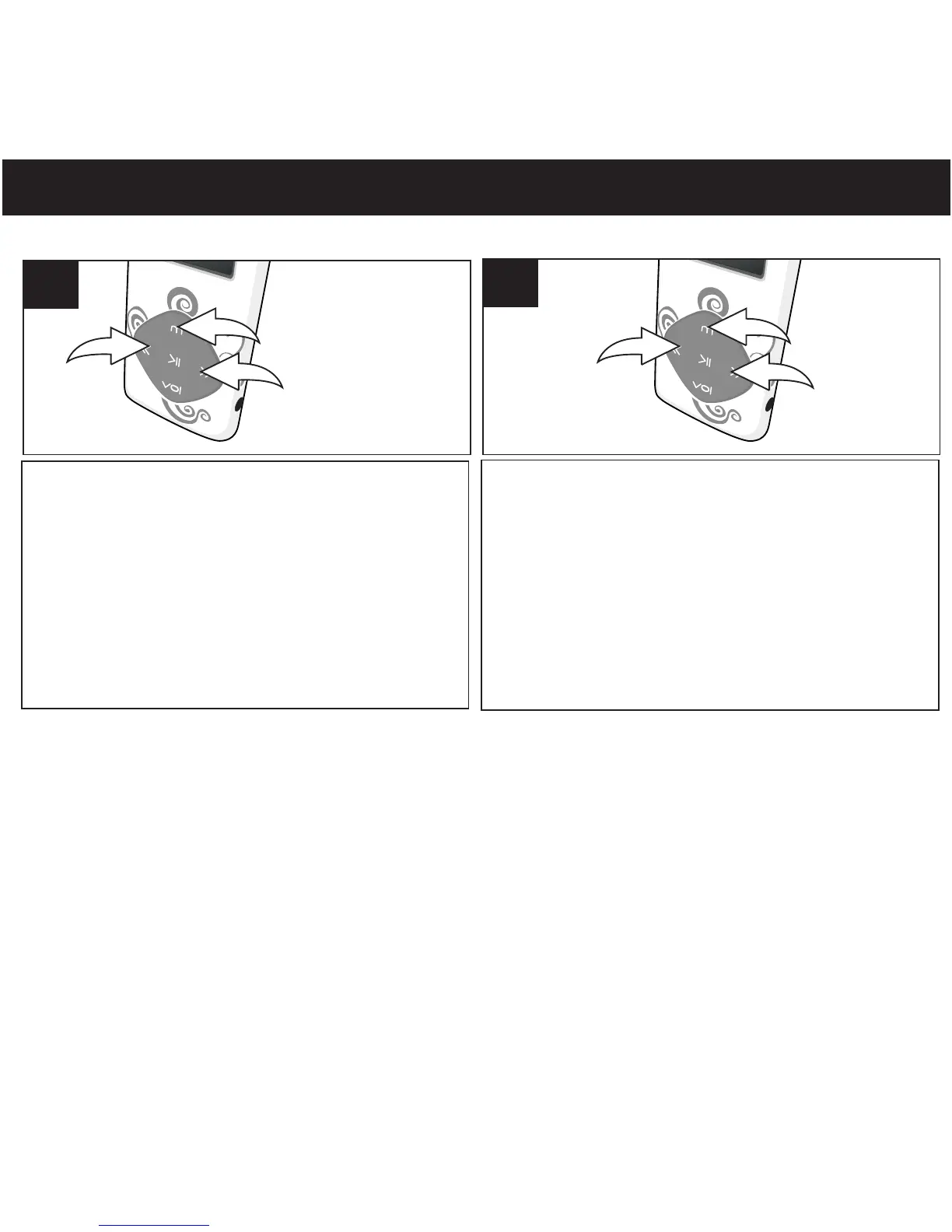
Turn the unit on as shown on page 16. Press and
hold the Mode/Enter button 1; the Mode
Menu screen will appear. Select Setup using
the Navigation Down/Skip–Search l button 2
or Navigation Up/Skip–Search m button 3,
then press the Mode/Enter button 1 again to
select it.
1
Select the desired submenu(LCD Set,
Language, Power Off, Memory Info,
Firmware Verson) using the navigation
Down/Skip–Search l button 1 or
Navigation Up/Skip–Search m button 2,
then press the Mode/Enter button 3 to
select it and make the setting. Press Power/
2
Play/Pause to return previous menu.
®p
NOTE:
• Playmode setting and equalizer setting are set under music Playback Mode.
• There are more settings which select under each mode. Please refer to the note
under each operation in this user manual.



 To Next Page