OPERA
TION–EBOOK
MODE
23
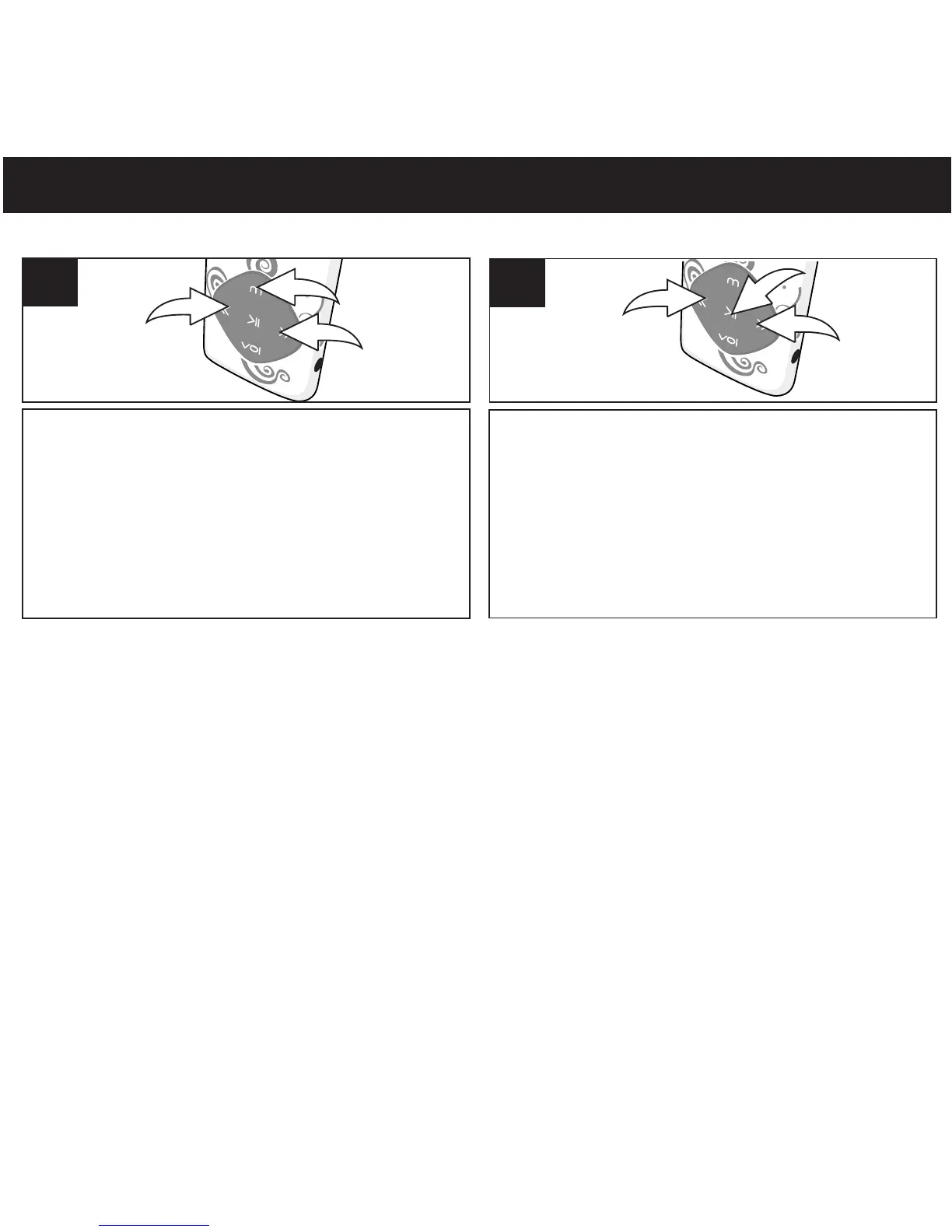
Turn the unit on as shown on page 16. Press
and hold the Mode/Enter button 1; the
Mode Menu screen will appear. Select Ebook
using the Navigation Down/Skip–Search l
button 2 or Navigation Up/Skip–Search m
button 3.
1
2
3
1
Press the Power/Play/Pause ®p button to
select the title; the book will appear. If there
is more than one screen, use the
Navigation Down/Skip–Search l button 2
to scroll to the right or Navigation
Up/Skip–Search m button 3 to scroll to the
left.
2
1
3
3
TO VIEW AN Ebook–
This unit supports books in txt format.
NOTES:
• Press the Power/Play/Pause button once to
return to the Ebook Menu screen, and press and
hold again to return to the Main menu screen.
• See pages 13 and 14 for information on
uploading Ebook txt files to this unit.
• White reading the text, press Mode/Enter button
to go to submenu .(Favourites Select, Delete
Bookmarks Add). Press navigation down/
Skip-Search or Up button to select and
press Mode/Enter button to enter. Press
Power/Play/Pause button to return to
return to previous menu.
• White not reading the text, press Mode/Enter
button to go to submenu(load folder, Play set,
delete, delete all). Press navigation Down/
Skip-Search or Up button to select and
press Mode/Button to enter. Press Power/
Play/Pause to return to previous menu.
®p
l
m
®p
l
m
®p



 To Next Page