27
SETTING THE BACKLIGHT TIMER
SETTING THE BACKLIGHT TIMER
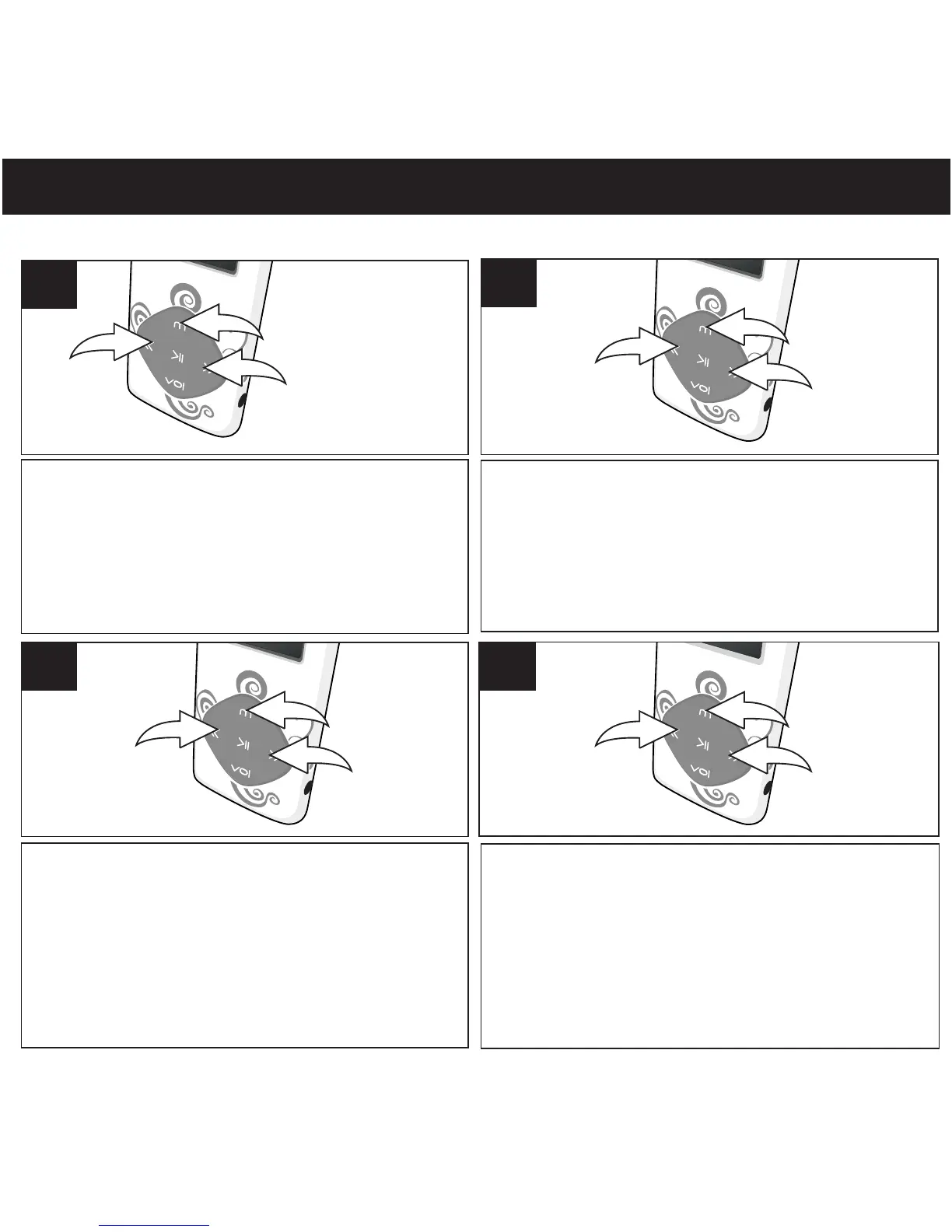
Turn the unit on as shown on page 16. Press and
hold the Mode/Enter button 1; the Mode Menu
screen will appear. Select Setup using the
Navigation Down/Skip–Search l button 2 or
Navigation Up/Skip–Search m button 3, then
press the Mode/Enter button 1 again to select it.
1
Select LCD Set using the Navigation
Down/Skip–Search l button 1 or
Navigation Up/Skip–Search m button 2,
then press the Mode/Enter button 3 to
select it.
2
3
1
2
3
Skip-Search button or Up button
then press the Mode/Enter button to select it.
Select Darkmode using the navigation Down/
l
1
m
2
3
3
1
2
4
0, 2, 4,...60) using the navigation Down/Skip-
Search button or Up button and press
Select a desired backlight(Darkmode). (disable;
l
1
m
2
3
Mode/Enter button to confirm and return to
setting menu.



 To Next Page