24
SETTING THE EQUALIZER
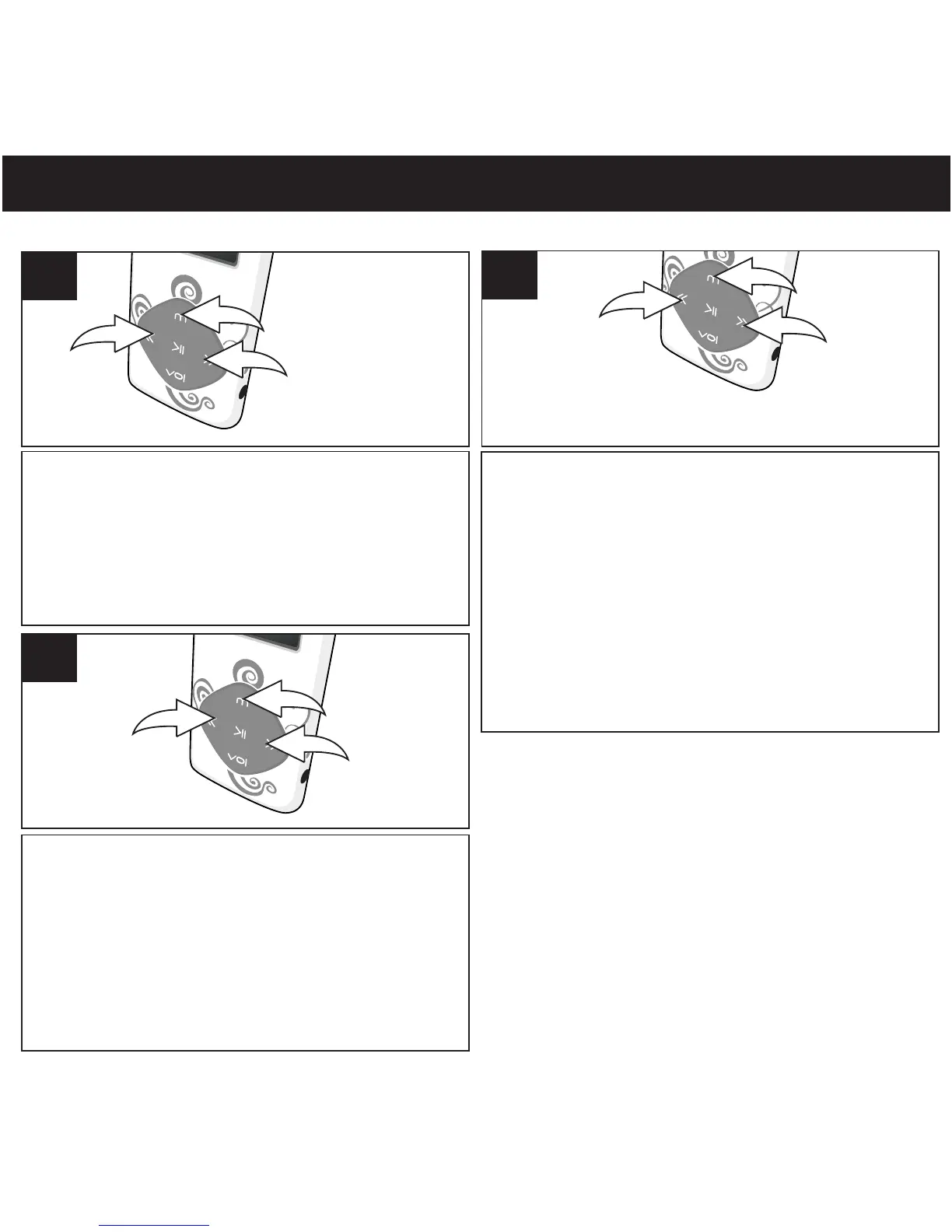
Turn the unit on as shown on page 16. Press and
hold the Mode/Enter button 1; the Mode Menu
screen will appear. Select music using the
Navigation Down/Skip–Search l button 2 or
Navigation Up/Skip–Search m button 3, then
press the Mode/Enter button 1 again to select it.
1
W
hile playing the music, press Mode/Enter
button to go to submenu. Select Equalizer
2
Select a desired Equalizer setting (Natural
[Normal], Rock, Pop, Classic [Classical],
Soft, Jazz or DBB[XBass]) using the
Navigation Down/Skip–Search l
1 or Navigation Up/Skip–Search m
2, then press the Mode/Enter button 3 to
confirm and return to music menu.
3
1
2
3
SETTING THE EQUALIZER
1
button
button
in submenu using the Navigation Down/
Skip-Search
button or Navigation Up/
Skip-Search button , then press the
Mode/Enter button to confirm.
l
2
m
3
1



 To Next Page