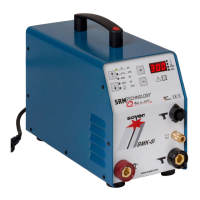
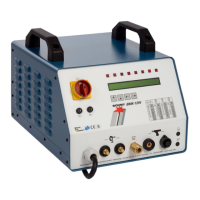
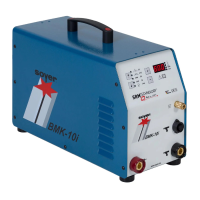
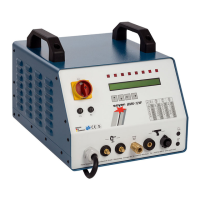
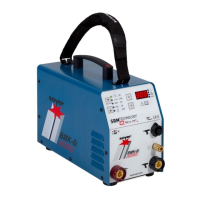
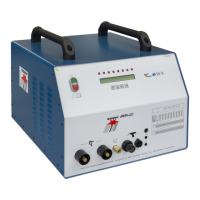
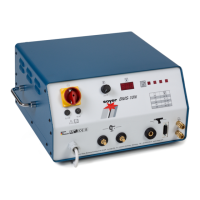
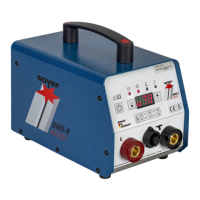
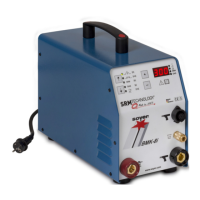
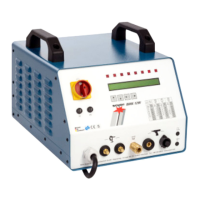
BMK-8 U / BMK-12 W
22
When switching the equipment on, the 8 LEDs light up for a short period to check proper operation.
If not all LEDs light up when starting the system, please contact your service partner.
R
5.1.3 • LCD display
The first line of the display shows the designation of the parameters to be set. The second line shows
the set value. When the parameter designation is flashing, you may change its value by using the
keyboard.
After switching the stud welder on, the following may appear on the display, e.g.:
Explanation of operating modes / parameters:
• MODE
Operation mode set. It is possible to set four different operation modes:
1- OP
Operating state which must be set for normal welding operation.
2- PRE
Preweld current test
3- LIFT
Lift test
4- GAS
Gas test
• MCT
Main current time. Period of time set between 1 and 1000 milliseconds.
• PCT
Preweld current time. Period of time set between 40 and 1000 milliseconds.
• GPT
Gas preflow time. Period of time set between 0 and 9900 milliseconds during which the shielding gas
valve is open before welding and remains open after welding. Set "0" when welding without shielding
gas.
• RLT
Reload time. Period of time set between 0 and 9900 milliseconds during which the blow air valve
remains open to allow stud feed from the universal feeder to the welding gun/welding head.
Set “0” to switch off the automatic reload.


 To Next Page