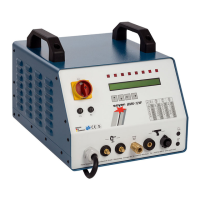
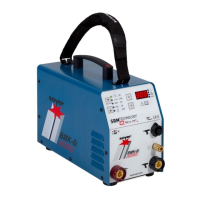
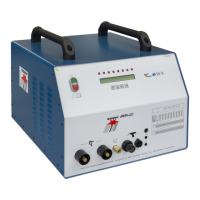
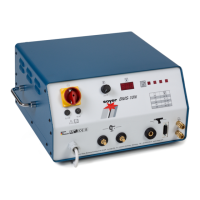
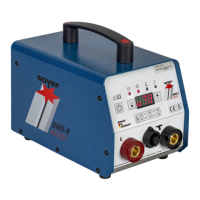
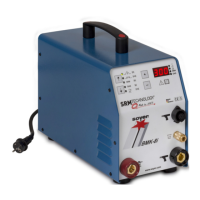
BMK-8 U / BMK-12 W
34
6 Operation
6.1 Standard operation
The measures mentioned in the "Start-up of stud welder" chapter have already been performed.
6.1.1 Setting welding parameters for standard welding operation
The applicable accident prevention and safety regulations have to be complied with when
operating the stud welder.
• Switch the main switch on
The stud welder carries out a self test. After the self test has been carried out successfully, the display
shows the setting last used.
• Set the necessary parameters for your welding task. For doing so, please refer to the standard
values indicated in the list "Welding parameters".
6.1.1.1 MCTIME (main current time)
• Select function "MCTIME" by pressing either function key "arrow left (3) or "arrow right" (4).
• Select the corresponding value for the main current time from 1 - 1000 ms in 1 ms-steps by pressing
function key "arrow up" (1) or "arrow down" (2).
The main current times for the most important stud dimensions are represented in tabular form in
chapter 6.2 "Welding parameters for welding operation"
6.1.1.2 PCTIME (pre-current time)
• Select function "PCTIME" by pressing either function key "arrow left" (3) or "arrow right" (4).
• Select the corresponding value for the pre-current time from 40 - 1000 ms in 20 ms-steps by
pressing either function key "arrow up" (1) or "arrow down" (2).


 To Next Page