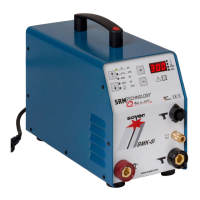
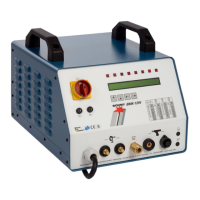
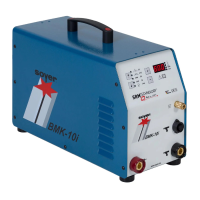
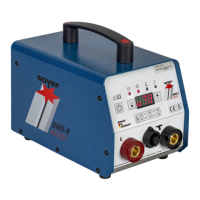
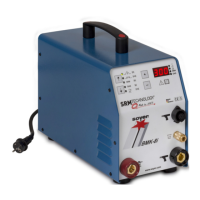
BMK-8 U / BMK-12 W
29
5.3 Special functions
With the BMK-8U / BMK-12 W stud welders you can call additional special functions:
Start dealing with the special functions when you are familiar with the basic functions of the
stud welder.
This manual describes the software version V1.8. Older stud welder types possibly do not
dispose of all special functions described below.
The stud welder must be switched off when calling special functions. In order to call the respective
special functions you have to press certain function key combinations and keep them pressed when
starting the stud welder. Switch off the stud welder by means of the main switch to terminate the
special functions.
5.3.1 Special function "Erasing the working storage"
This special function serves as "RESET function" e.g. for eliminating troubles or starting the stud
welder the first time. All settings of the working storage are erased by using this function.
To erase the working storage, please proceed as follows:
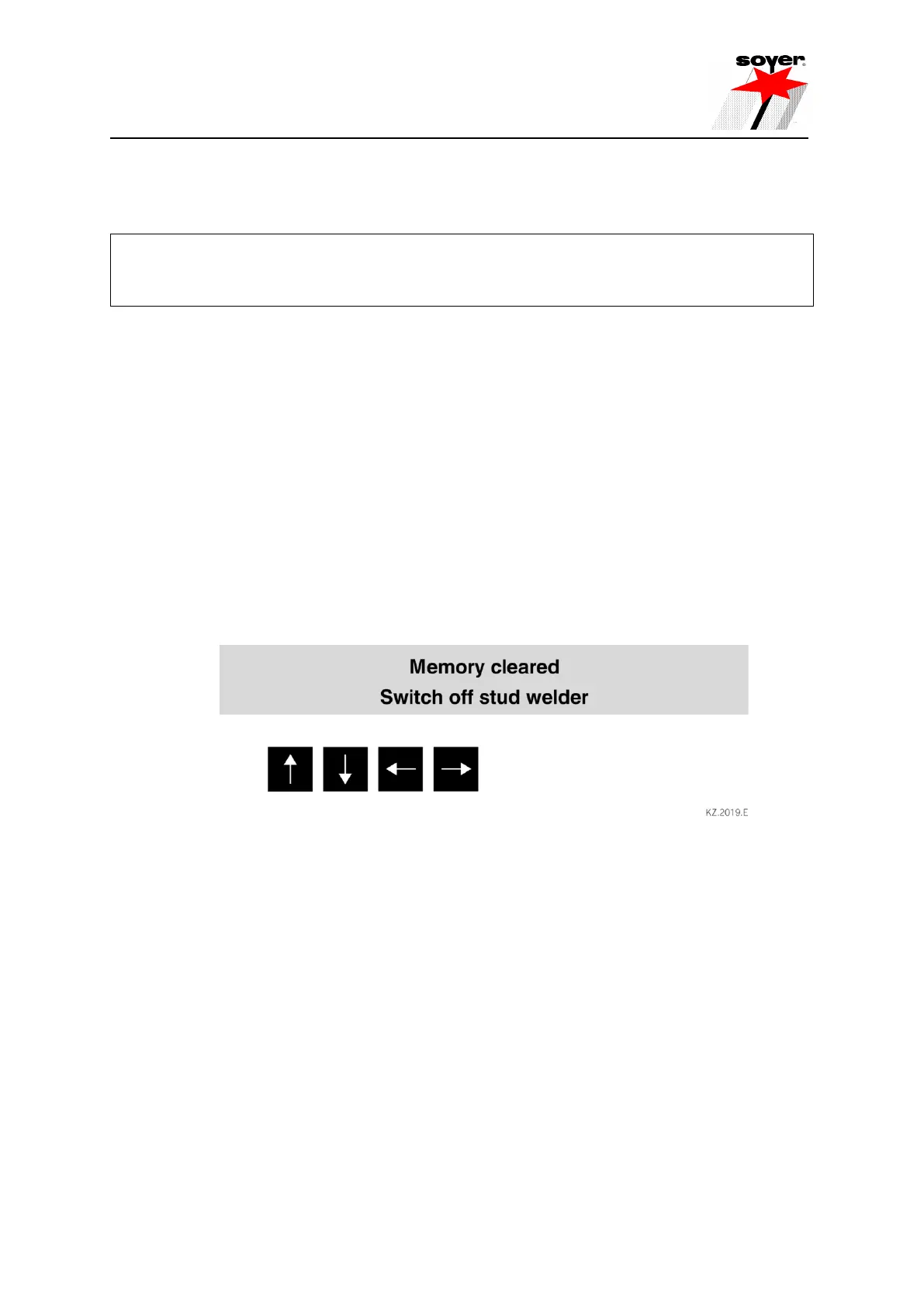
• Simultaneously press "arrow up", "arrow down", "arrow right" and "arrow left" keys and keep them
pressed.
• Switch stud welder on with main switch.
• Stop pressing "arrow up", "arrow down", "arrow right" and "arrow left" keys.
• Switch off stud welder with main switch and switch on again.
R
5.3.2 Special function "Display of operating counter"
This special function serves to display the operating counter and the equipment number.
• Simultaneously press "arrow up" and "arrow down" keys and keep them pressed.
• Switch stud welder on with main switch.
• Stop pressing "arrow up" and "arrow down" keys.


 To Next Page