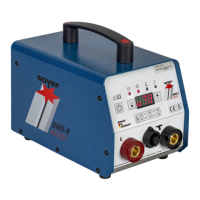
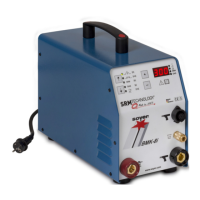
BMK-8 U / BMK-12 W
30
• The operating counter can be reset to "0" by pressing the function key "arrow right".
5.3.3 Special function "Setting the type of feeder and its functions"
With automatic operation, these special functions serve to adapt the control to the feeder (parameter
1-4, only with BMK feeder). The type of feeder connected can be set by means of parameter 5.
To call this special function, please proceed as follows:
• Simultaneously press "arrow right" and "arrow left" keys and keep them pressed.
• Switch stud welder on with main switch.
• Stop pressing "arrow right" and "arrow left" keys.
Display when setting feeder type "BMS"
Display when setting feeder type "BMK"
The parameters "Plunger", "Ready", "Cont." and "BlAir" may be selected in 100 ms-steps.
The parameters may be horizontally selected by using the function keys "arrow left" and "arrow right".


 To Next Page