Setup
91369 Service Manual 2-30
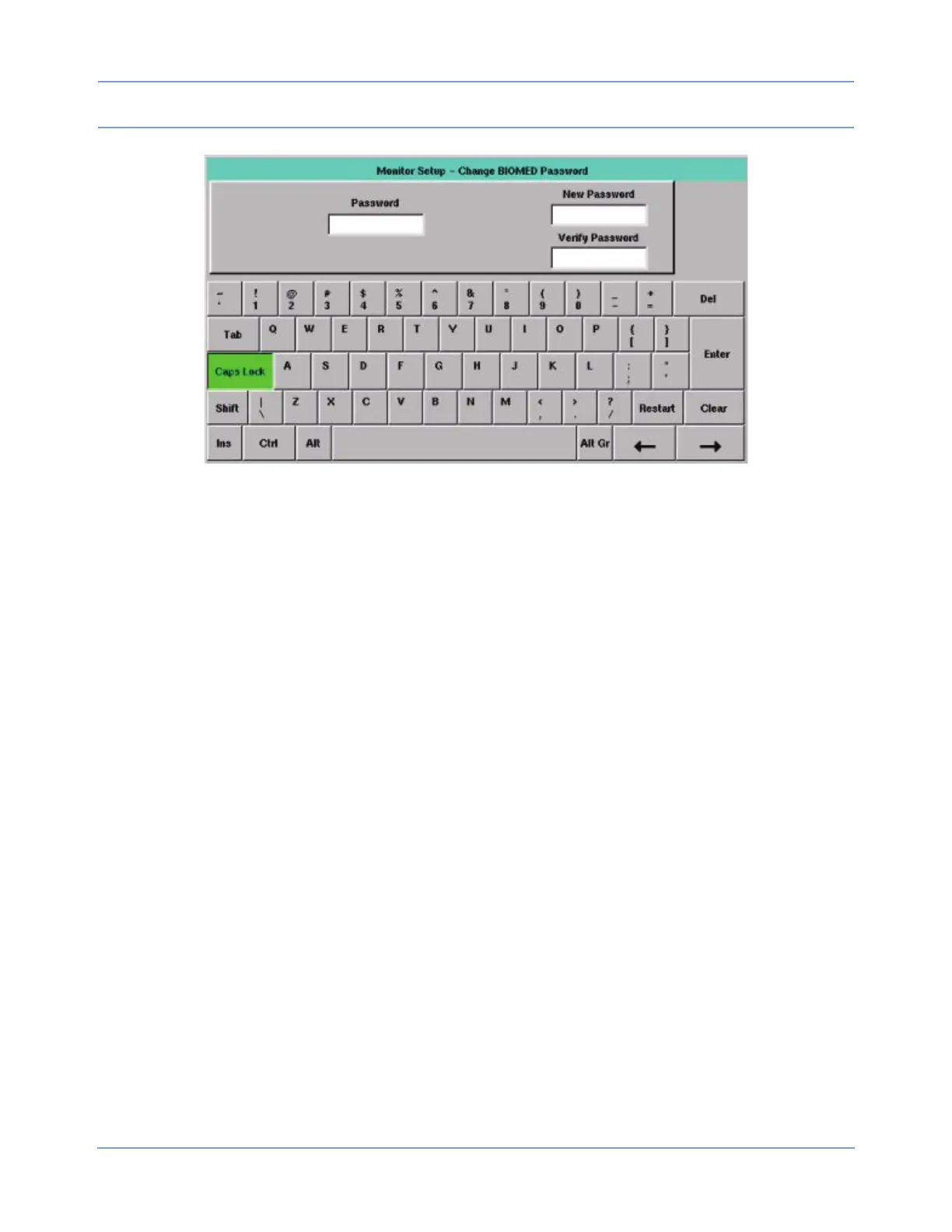
Figure 2-17: Change BIOMED Password dialog box
Clinical Menu
The CLINICAL MENU key in the Biomed Level menu provides access to several features described in the
sections that follow. Refer to Directory of Keys on page 7-1 for the menu structure.
Time/Date
The TIME/DATE key accesses the Monitor Setup - Time/Date menu. The current time or date displays above
the menu. The time displays in either a 12- or 24-hour format. Network monitors display the network time;
standalone monitors display the internal system time.
• TIME/DATE — Select TIME or DATE, use the arrow keys to set the correct time or date, and touch
ENTER.
• 24 HOURS — Displays the time in a 24-hour format. Touch ENTER to complete the selection.
• AM/PM — Select AM or PM to display the time in a 12-hour format, and then touch ENTER.
Note:
Setting the time on any networked monitor sets the time for all monitors on that network.
Preselected Recordings
Refer to the Printing chapter in the Ultraview SL Operations Manual (P/N 070-1150-xx), located on CD-ROM
P/N 084-1101-xx, for information regarding preselected recordings.
Units of Measurement
The UNITS OF MEASURE key provides access to the units of measurement that the monitor uses for input,
display, and printing of values for pressure, height, and weight measurements. Each key’s label indicates the
available selections. Reset the monitor after making changes in this menu.



 To Next Page