91369 Service Manual 2-33
Setup
Note:
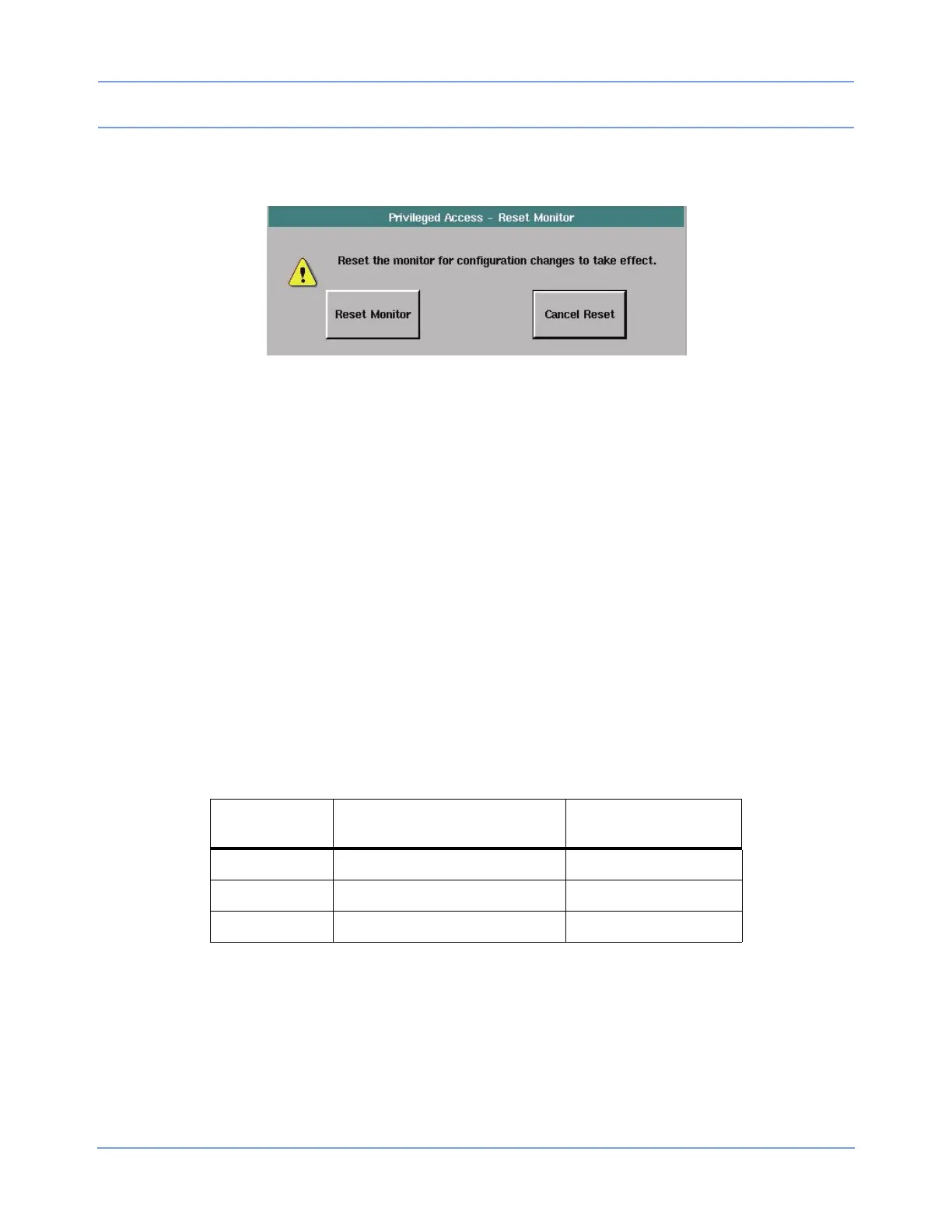
Patient data are preserved when the monitor is restarted using the RESET MONITOR key.
Figure 2-18: Privileged Access - Reset Monitor dialog box
Tone Configuration
The TONE CONFIGURATION key in the Biomed Level menu enables you to configure the monitor’s alarm
tone configuration. Refer to Directory of Keys on page 7-1 for the menu structure.
ISO Standard Alarm Tones
The ISO STANDARD ALARM TONES key enables you to configure the monitor for ISO (International
Standards Organization) standard alarm tones and reset the values displayed in the alarm period keys, within
the Configurable Alarm Tones menu, back to default settings.
Configurable Alarm Tones
The CONFIGURABLE ALARM TONES key enables you to configure the monitor for ISO standard alarm tones
with a configurable repetition rate.
• HIGH, MEDIUM, LOW — The values displayed on the lower lines of the HIGH, MEDIUM, and LOW keys
are the current settings (within that key’s adjustment range) for the repetition rate for that alarm’s priority.
• ↑ and ↓ — The up and down arrow keys are enabled when one of the alarm period keys is selected. The
arrow keys are used to adjust the repetition rate for the selected alarm priority in five-second increments
within that priority’s adjustment range.
• FACTORY DEFAULTS — This key deselects all the period keys, resets their values to the ISO standard
values, and disables the arrow keys.
Table 7: Alarm Period Default Values
Selected Alarm
Period Key
Adjustment Range
(and Default Value)
Enables Arrow Keys
and Deselects
HIGH 0 to 30 seconds (15 seconds) MEDIUM and LOW
MEDIUM 0 to 45 seconds (30 seconds) HIGH and LOW
LOW 0 to 45 seconds (30 seconds) HIGH and MEDIUM



 To Next Page