91369 Service Manual 2-35
Setup
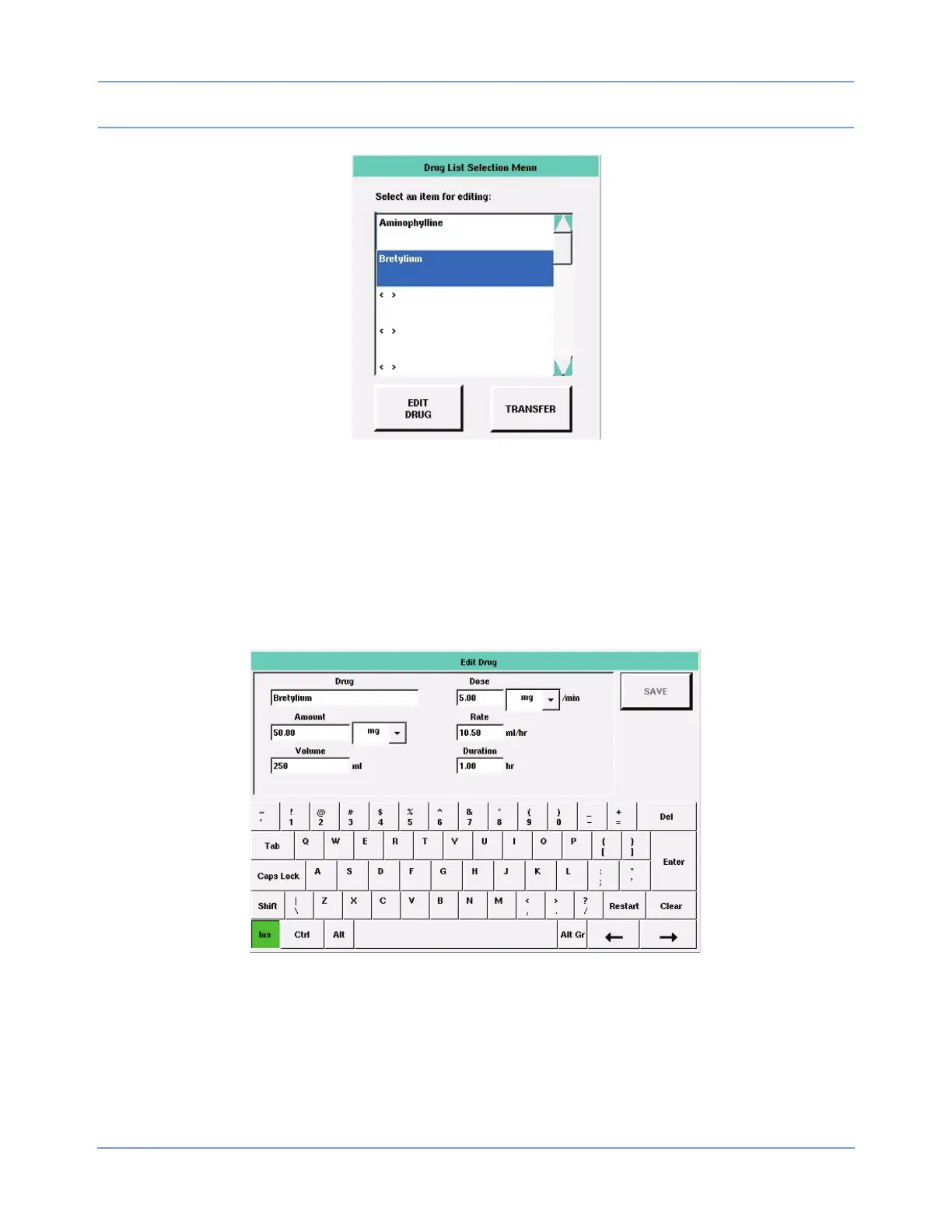
Figure 2-19: Drug List Selection Menu
Note:
To remove a drug from this list, you must overwrite the entry with blanks.
Touch EDIT DRUG to display the Edit Drug dialog box (Figure 2-20). Enter information in the fields using the
on-screen keyboard. Touch SAVE to save the data to the drug list.
Touch TRANSFER to transfer this monitor's drug list information to other monitors. Refer to Define Patient
Identifier (PI) String on page 2-39 for information on using the transfer feature.
Figure 2-20: Edit Drug dialog box
Refer to the Ultraview SL Operations Manual (P/N 070-1150-xx) located on CD-ROM P/N 084-1101-xx for
additional information.



 To Next Page