91369 Service Manual 2-37
Setup
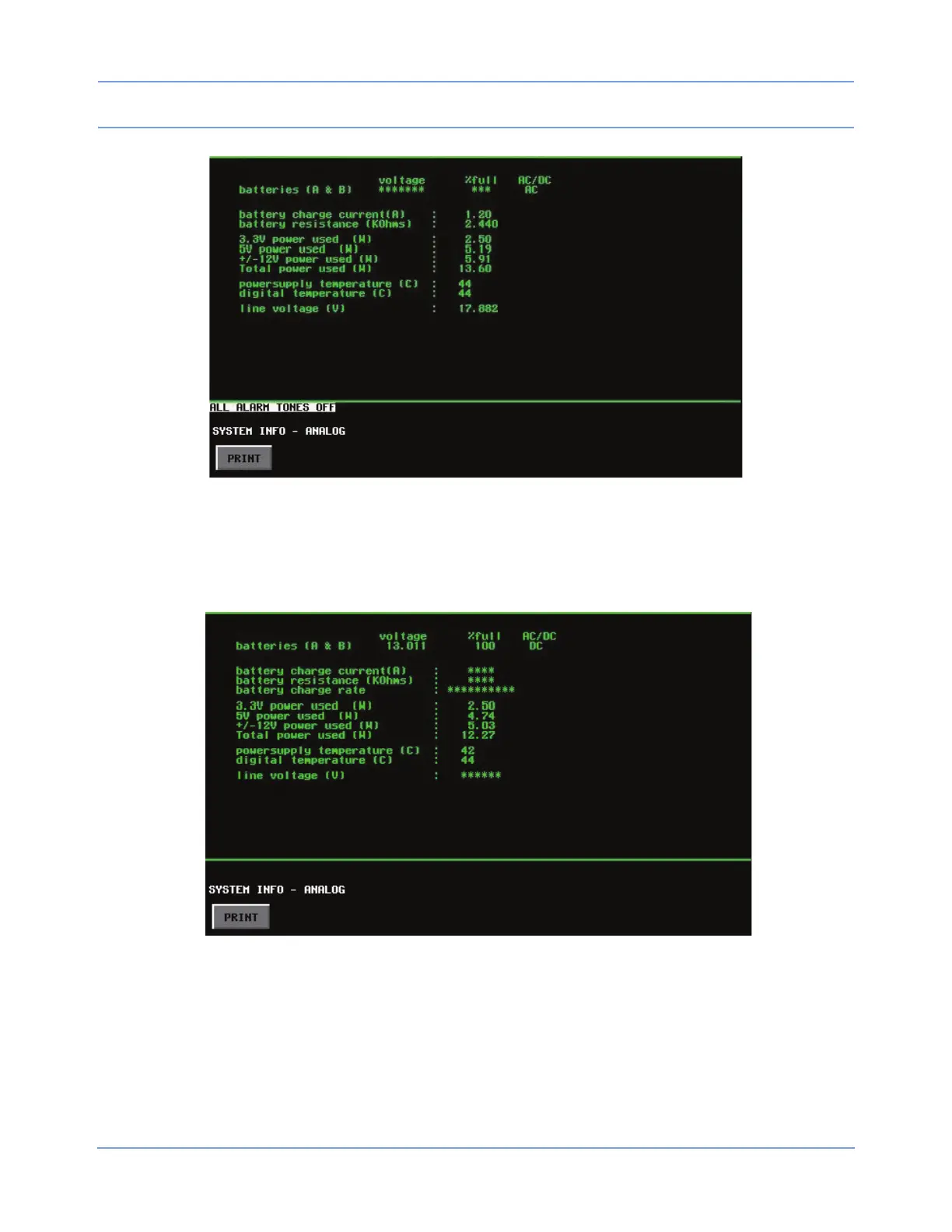
Figure 2-22: Analog system information - monitor connected to AC power
• If the monitor is not connected to AC power, DC displays below the AC/DC heading (actual data may differ
from the example in
Figure 2-23), and the current battery voltage and %full values display, along with
values for various powers and temperatures (line voltage displays asterisks).
Figure 2-23: Analog system information - monitor not connected to AC power



 To Next Page