91369 Service Manual 4-9
Maintenance
Replacing the Recorder
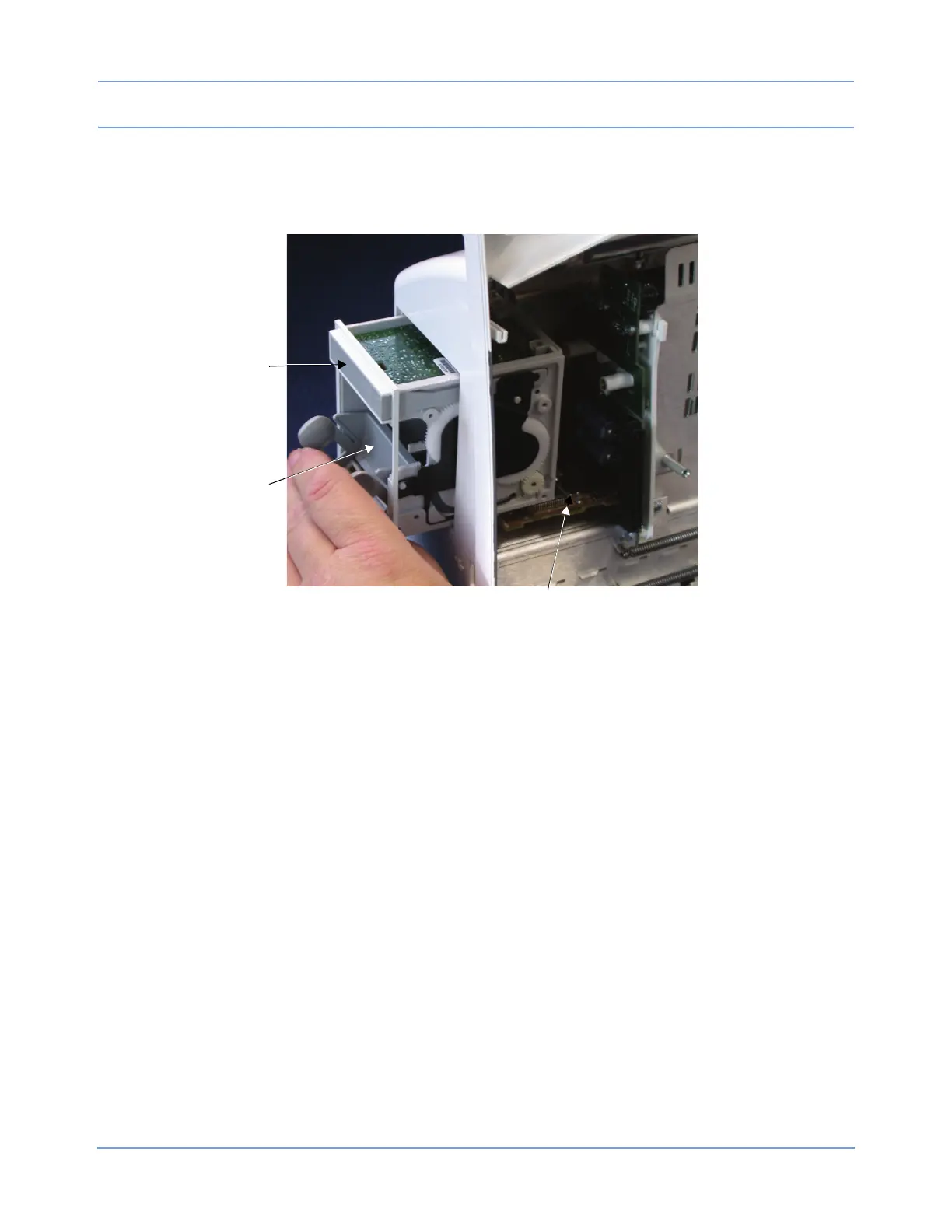
1 Remove the recorder assembly (if installed) by first opening the printer door, loosening the two captive
screws, and then pulling out the assembly at the top.
Figure 4-2: Optional recorder assembly
Release bar
Recorder assembly
Recorder CPU PCBA, installed
2 If replacing the recorder CPU PCBA, loosen the thumbscrew and pull it forward until it is free of the
connector.



 To Next Page