Maintenance
91369 Service Manual 4-10
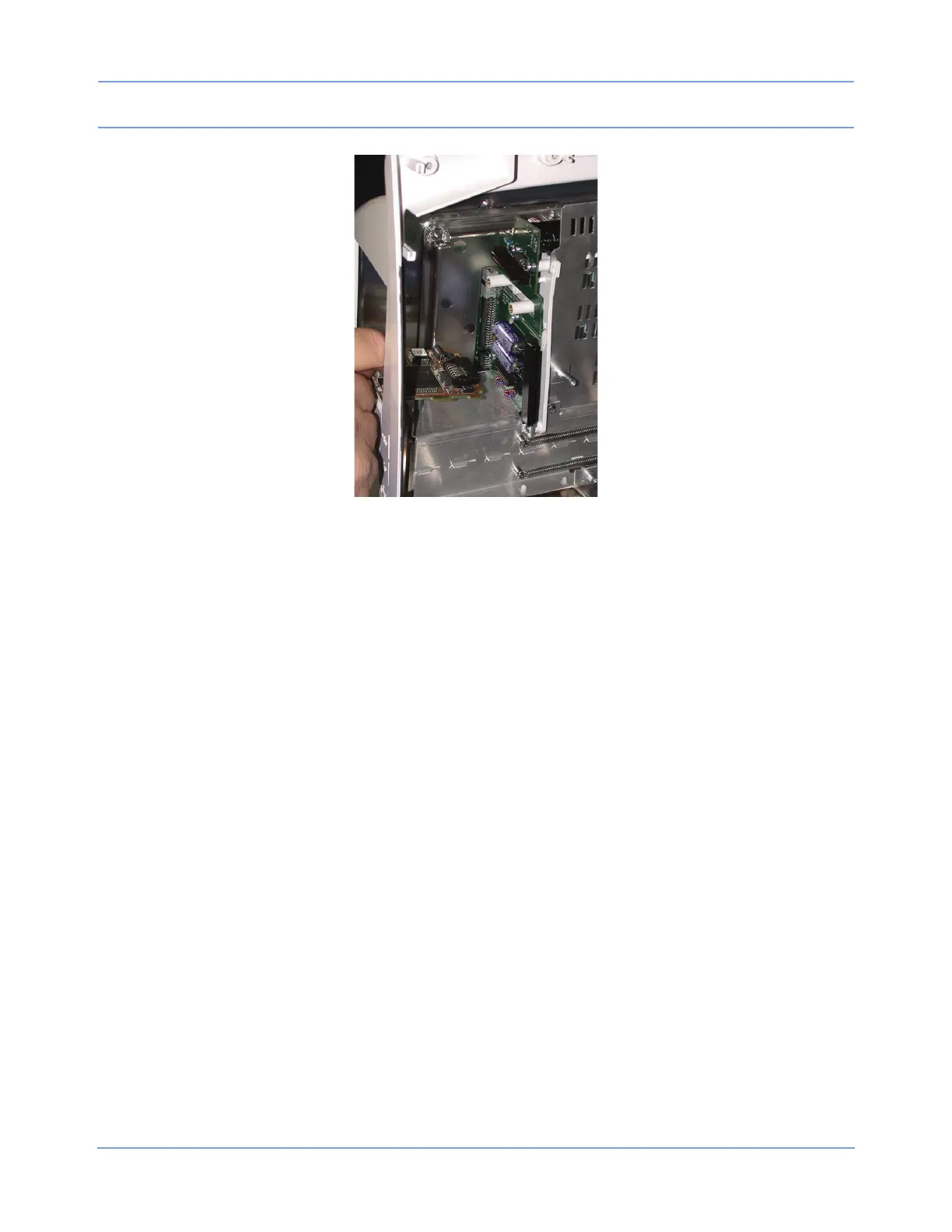
Figure 4-3: Recorder CPU PCBA
3 Reverse the procedure to re-assemble the recorder.
Inserting Recorder Paper
Two rolls of thermal recorder paper have been included with the optional recorder assembly.
To insert a roll of paper:
1 Press the right side of the release bar at the top of the recorder assembly. The front of the recorder assembly
is hinged at the bottom and will drop open, revealing two spoon-shaped arms that hold the paper roll spindle
between them.
2 Unroll a short length of paper from the roll, and orient the roll so that the paper feeds from the bottom.
3 Slip the paper roll spindle between the plastic arms, and close the front of the assembly so that the end of
the paper roll protrudes out of the recorder assembly just below the release bar.



 To Next Page