91369 Service Manual 4-11
Maintenance
Removing the Bezel Assembly
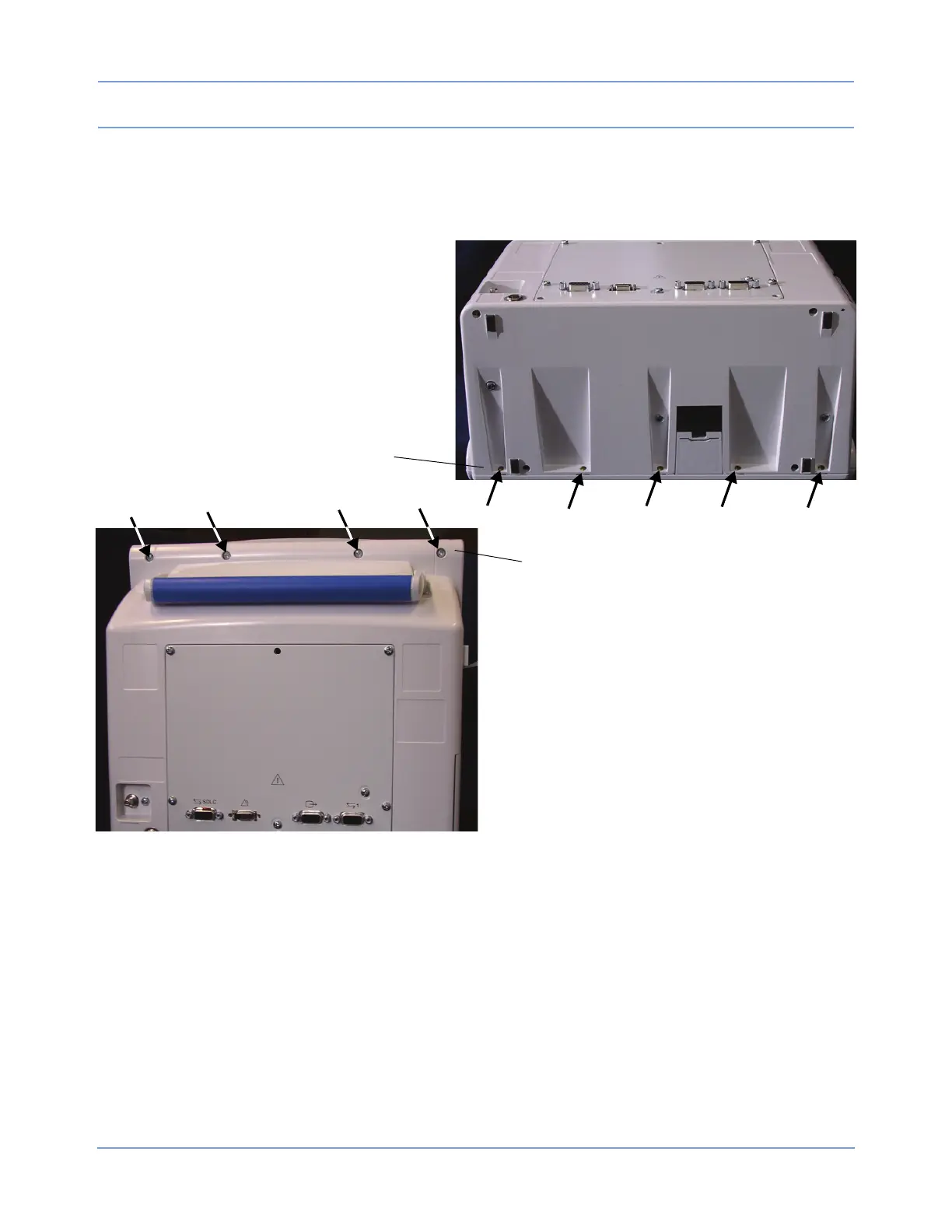
1 Remove the bezel by removing the five screws along the bottom of the enclosure, and then stand the
monitor upright and remove the four screws along the top of the bezel.
Figure 4-4: Bezel screw locations
Five screws along the bottom of the bezel
Four screws along the top of the bezel
2 With the monitor standing upright, gently move the top of the bezel and disconnect the flat cable running
from the display to the CPU PCBA.



 To Next Page