Maintenance
91369 Service Manual 4-14
Note:
Be careful not to leave finger prints or smudges on the front of the display or on the inside of the front bezel
surface.
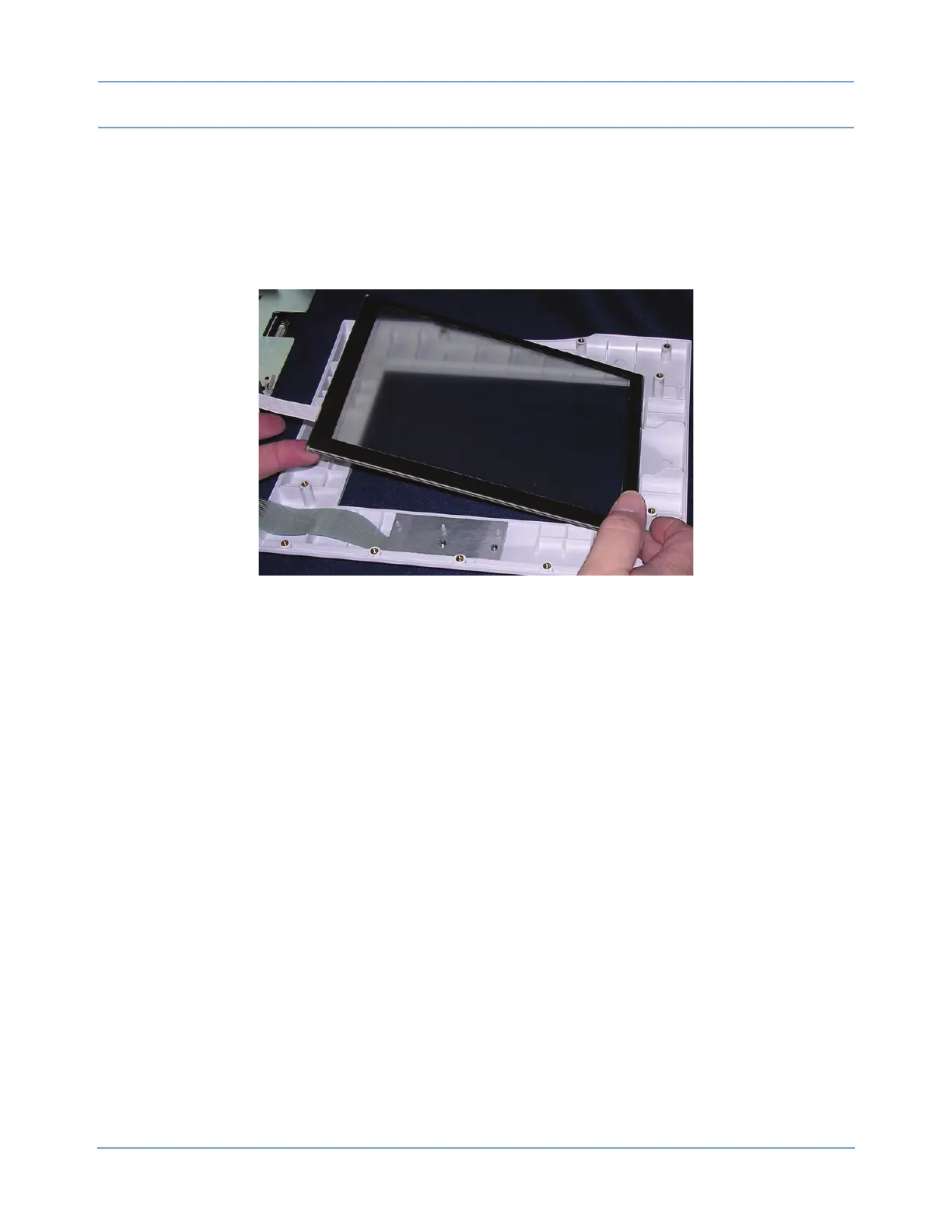
4 Reassemble the bezel assembly. Pay close attention to placement of the touchscreen, assuring that it is
placed within the raised portion of the bezel prior to securing the display assembly. If alignment is not
correct, the touchscreen can be permanently damaged.
Figure 4-7: Touchscreen placement
5 To remove the backlight inverter, remove both cable assemblies and the two screws attaching the inverter
to the display bracket.
6 When replacing the backlight inverter, be sure to replace the mylar shield (Figure 4-8) between the PCBA
and the chassis.



 To Next Page