Maintenance
91369 Service Manual 4-18
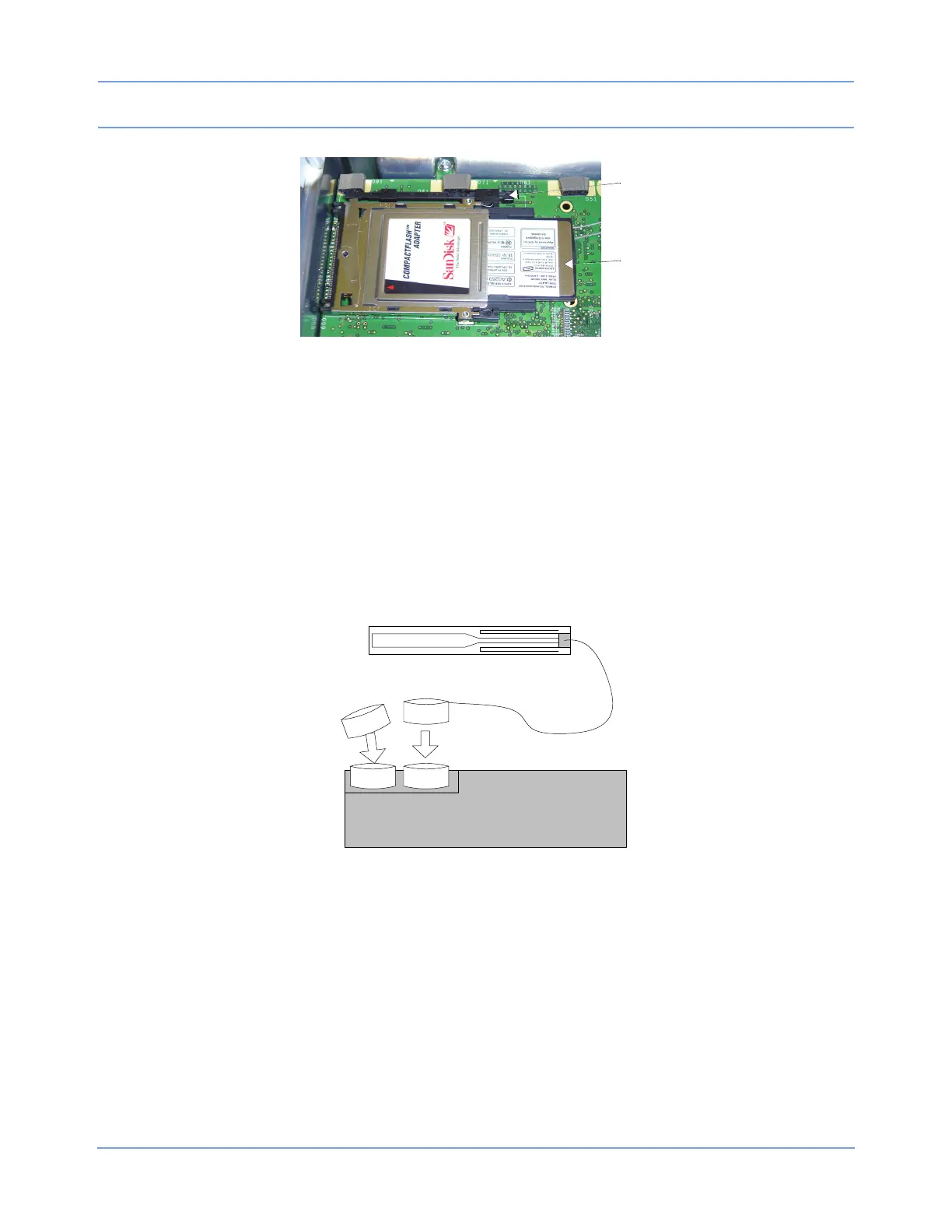
Figure 4-11: Radio card released from the PCMCIA card adapter
To install the wireless radio card:
1 Remove the replacement radio card (P/N 010-1644-xx) from the packaging.
2 Reattach the antennas (refer to Figure 4-12).
Caution:
Be very careful to properly align the antenna connector and the receptacle before applying
pressure to mate the two.
If the connector cannot be seated using finger pressure, use the blunt end of a small tool (such as a
5/32-inch hex wrench) to apply pressure to the connector.
Figure 4-12: Antenna connection to the radio card.
3 Insert the radio card into the Compact Flash card adapter on the main CPU PCBA. When the card is fully
seated in the Compact Flash card adapter, the card eject bar (
) extends. Refer to Figure 4-13.



 To Next Page