User manual EXPERT 2K-FA
Pag. 55 of 55 Issue 2 – May 2011
20. Appendix 1 “Term_2K_Short_Guide”
Overview
With reference to what described at Section 15. “USB / RS 232 PORTS usage”, this
appendix contains the following sections:
SW installation
Term_2K_USB.exe usage
Term_2K_232.exe usage
Firmware update
The host PC must have a correctly installed Windows XP or a further release of
Microsoft’s operating system (Windows Vista, Windows 7); just a minimum RAM
amount and hard disk space is required.
20.1 SW installation.
The installation package is contained into a compressed .ZIP archive named
“Term_2K_Package_2_0.zip” which requires to be expanded in a working folder and
then processed as hereafter described. This package in recorded into the equipped CD
or can be downloaded from our website www.linear-amplifier.com .
Once the compressed archive Term_2K_Package_2_0.zip has been previously stored
into a working folder. It must necessarily be expanded, that is all the files therein
contained must be extracted and properly placed to the host system.
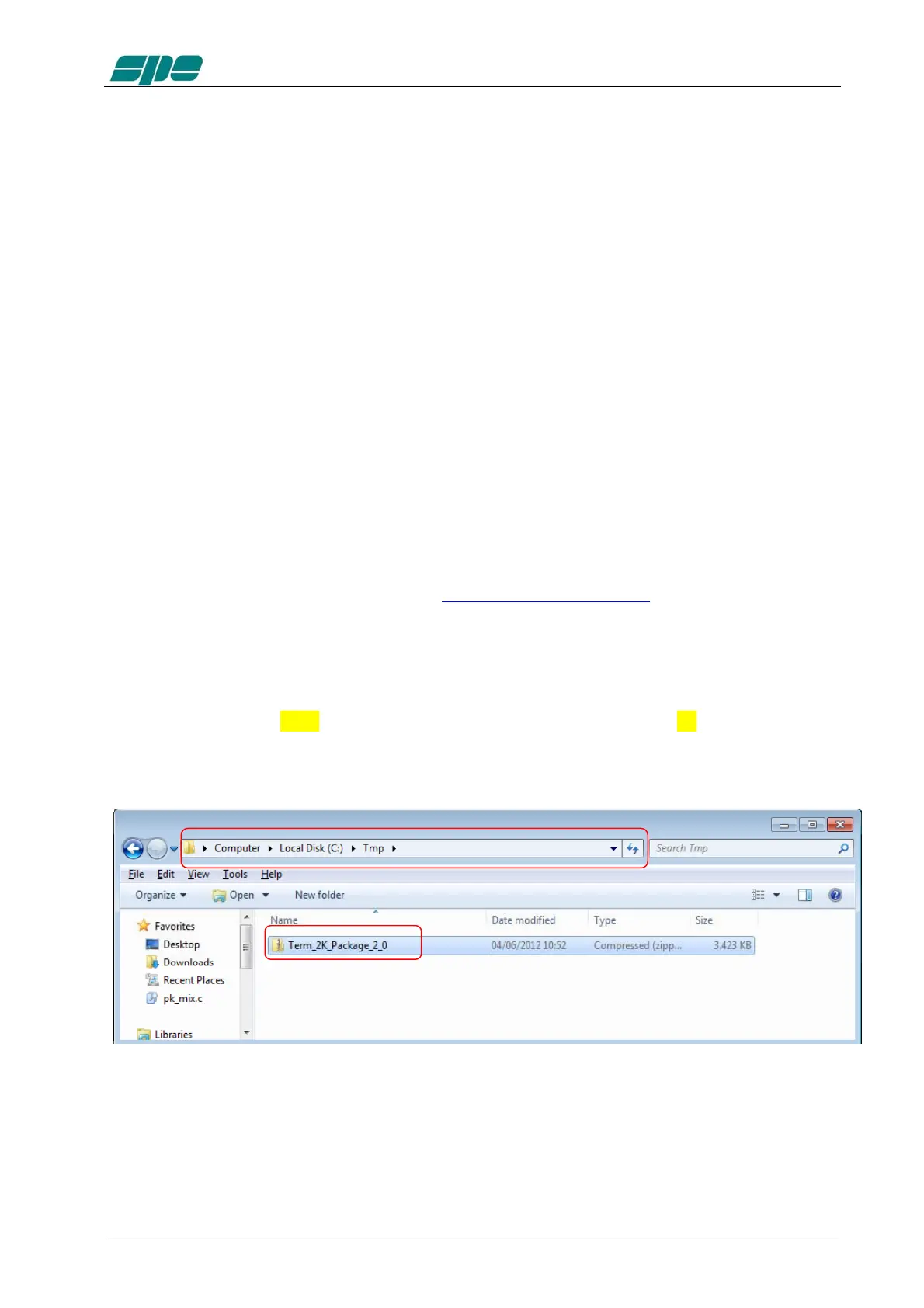
In this example the compressed archive Term_2K_Package_2_0.zip has been placed
into a folder named Tmp which is contained into the local disk unit C: as shown in the
picture below:
The next step is the archive expansion, and this can be obtained by selecting the
filename and then right-clicking over it; a local menu will appear, and its Extract All…
item will pop-up the following pre-compiled form:



 To Next Page