User manual EXPERT 2K-FA
Pag. 72 of 72 Issue 2 – May 2011
20.4 Firmware update
A very useful function of Term_2K_USB.exe is the one which enables us to update the
built-in firmware of the linear amplifier.
To update the linear amplifier it is needed a suitable .PK1 firmware file, which must be
downloaded from our website www.linear-amplifier.com and then stored into a proper
working folder.
Switch the linear on, and keep it set to STANDBY mode during the firmware update job.
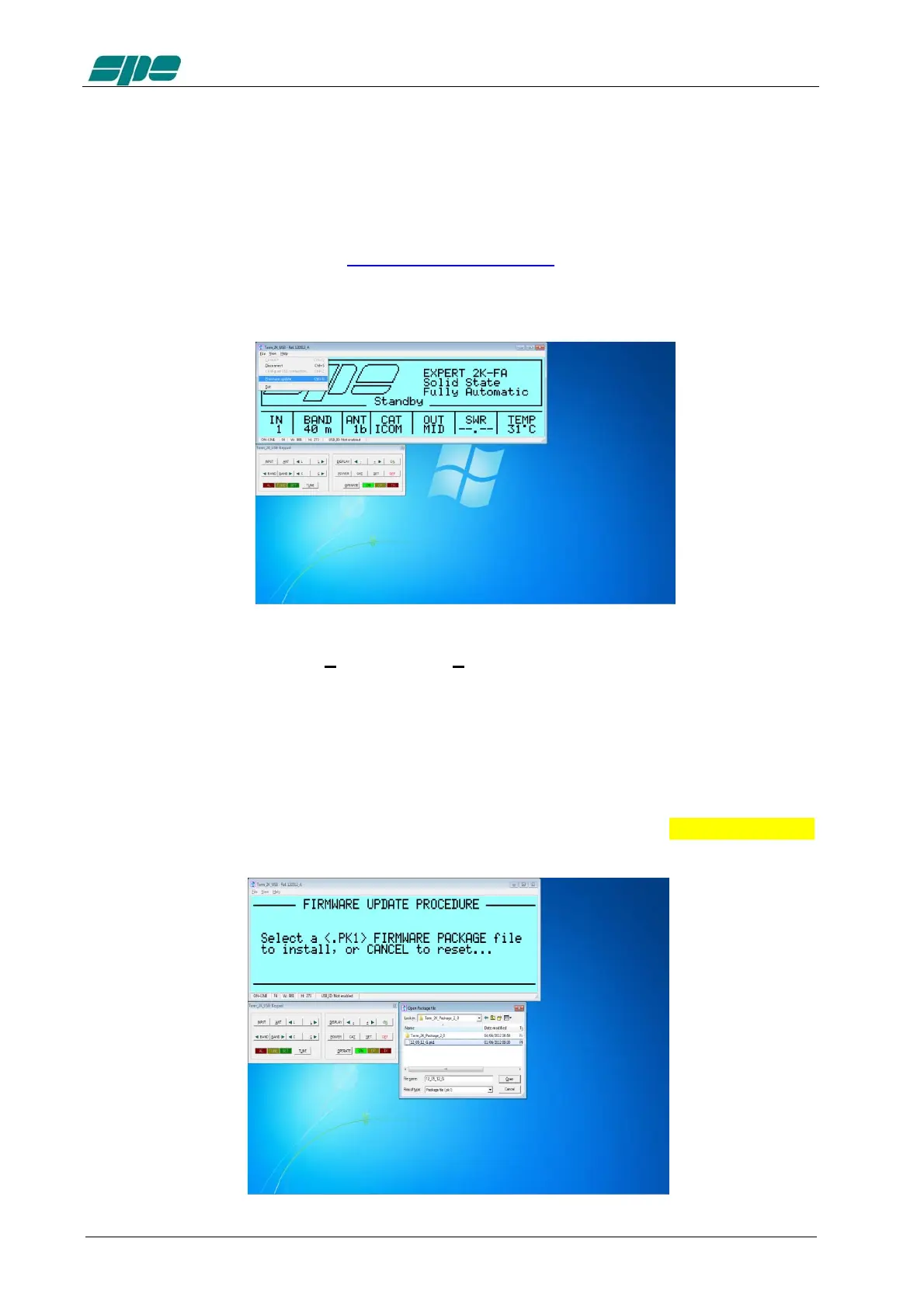
Under these conditions the File\Firmware update menu item is active and, upon its
selection it sets the EXPERT 2K-FA to its firmware update mode (FIRMWARE
UPDATE PROCEDURE).
After then a dialog box will pop-up, and the user is allowed to select a proper firmware
package whose data must be sent to the linear amplifier to update all its embedded
functions
In the example of the picture below a firmware package file named 12_05_12_G.pk1
has been selected:



 To Next Page