User manual EXPERT 2K-FA
Pag. 73 of 73 Issue 2 – May 2011
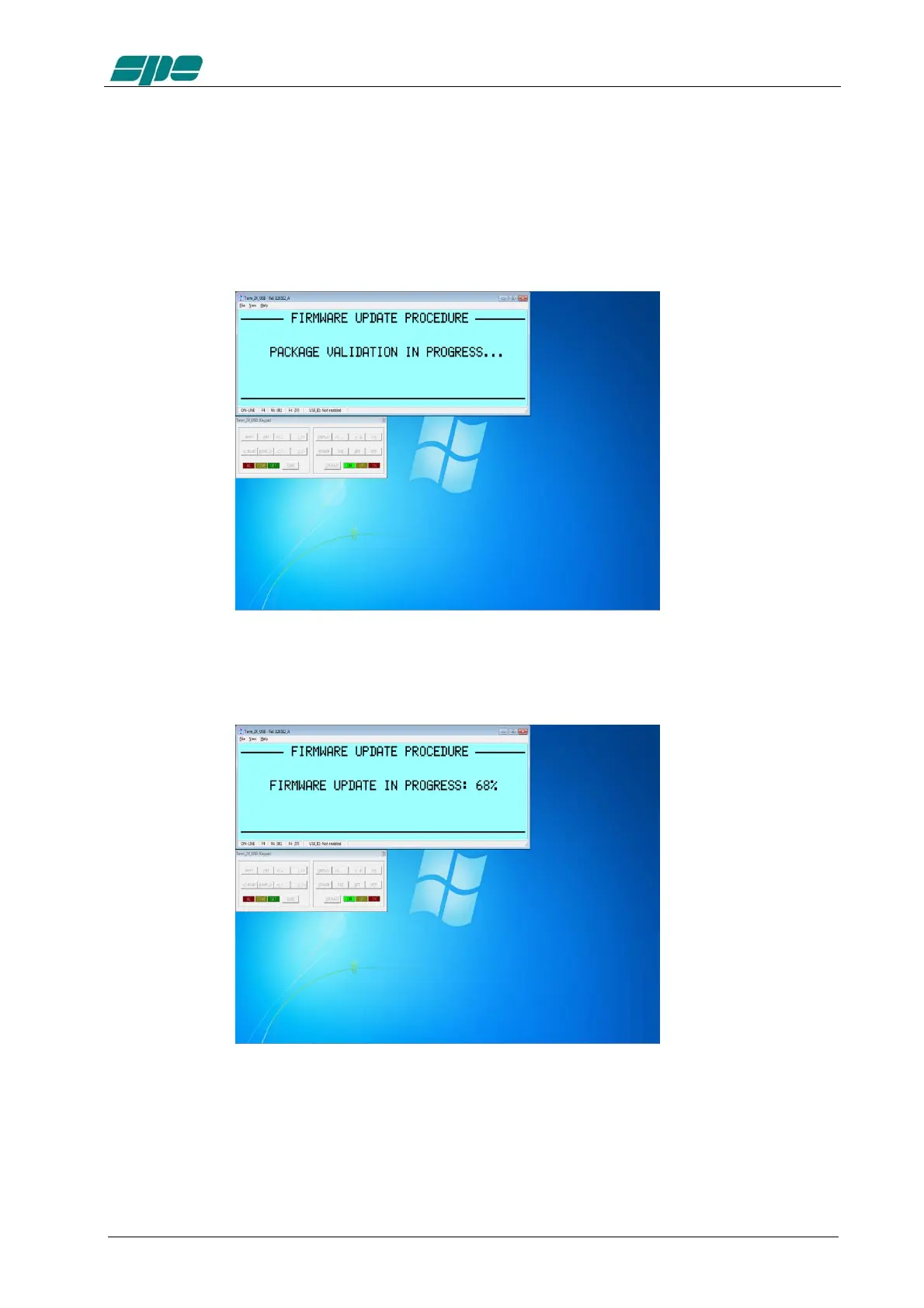
After a necessary confirmation by the user for validating the procedure, the EXPERT
2K-FA switches its display off and the overall control for updating actions gets
transferred to Term_2K_USB.exe application
The main steps of firmware update procedure are the following ones:
1. Checking and validation of updating firmware package
2. A physical data sending of the new firmware from the PC to the linear amplifier



 To Next Page