User manual EXPERT 2K-FA
Pag. 74 of 74 Issue 2 – May 2011
3. A final validation for the completed firmware update
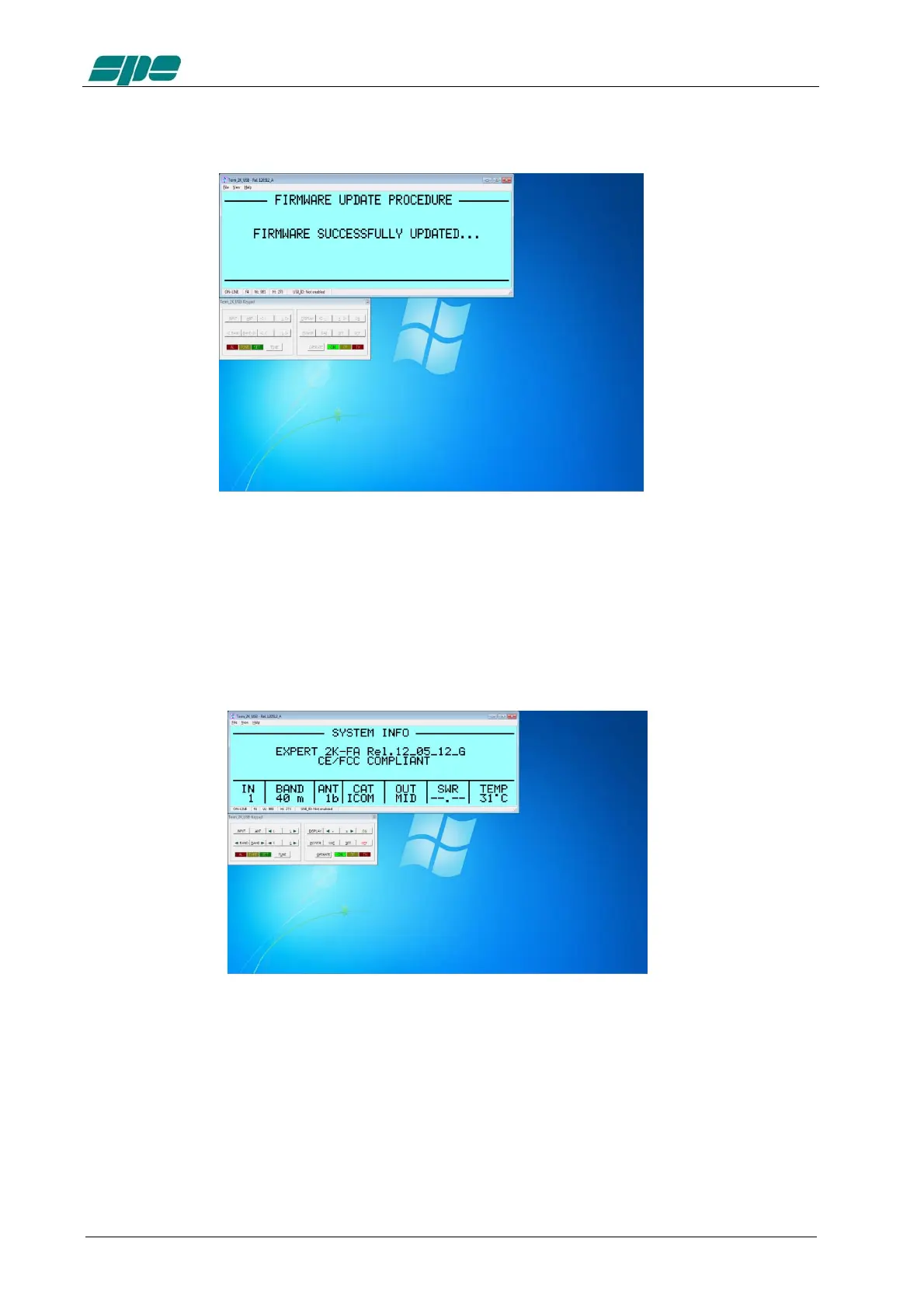
As a very last action after a successful firmware update, the linear amplifier performs a
general auto-restart operation and, after then, a full control of the updated device is
given back for both local and remote operations.
The user is then enabled to check the result of his firmware update operation directly on
the LCD display (both real and virtual…) by pressing the [CAT] key twice.
This action will show
This operation will update the display report as shown below.
21. GENERAL RESTORE
A System General Restore can be performed by pressing [INPUT] and [OFF] keys
together (for 1 second at least); this operation is only possible from the linear keyboard.
The linear will switch off with a proper system message.
Upon its later switch-on all its factory defaults will be restored.



 To Next Page