User manual EXPERT 2K-FA
Pag. 59 of 59 Issue 2 – May 2011
The next step is to connect the PC and the EXPERT 2K-FA using the equipped USB
cable and wait the recognition of the new USB connection.
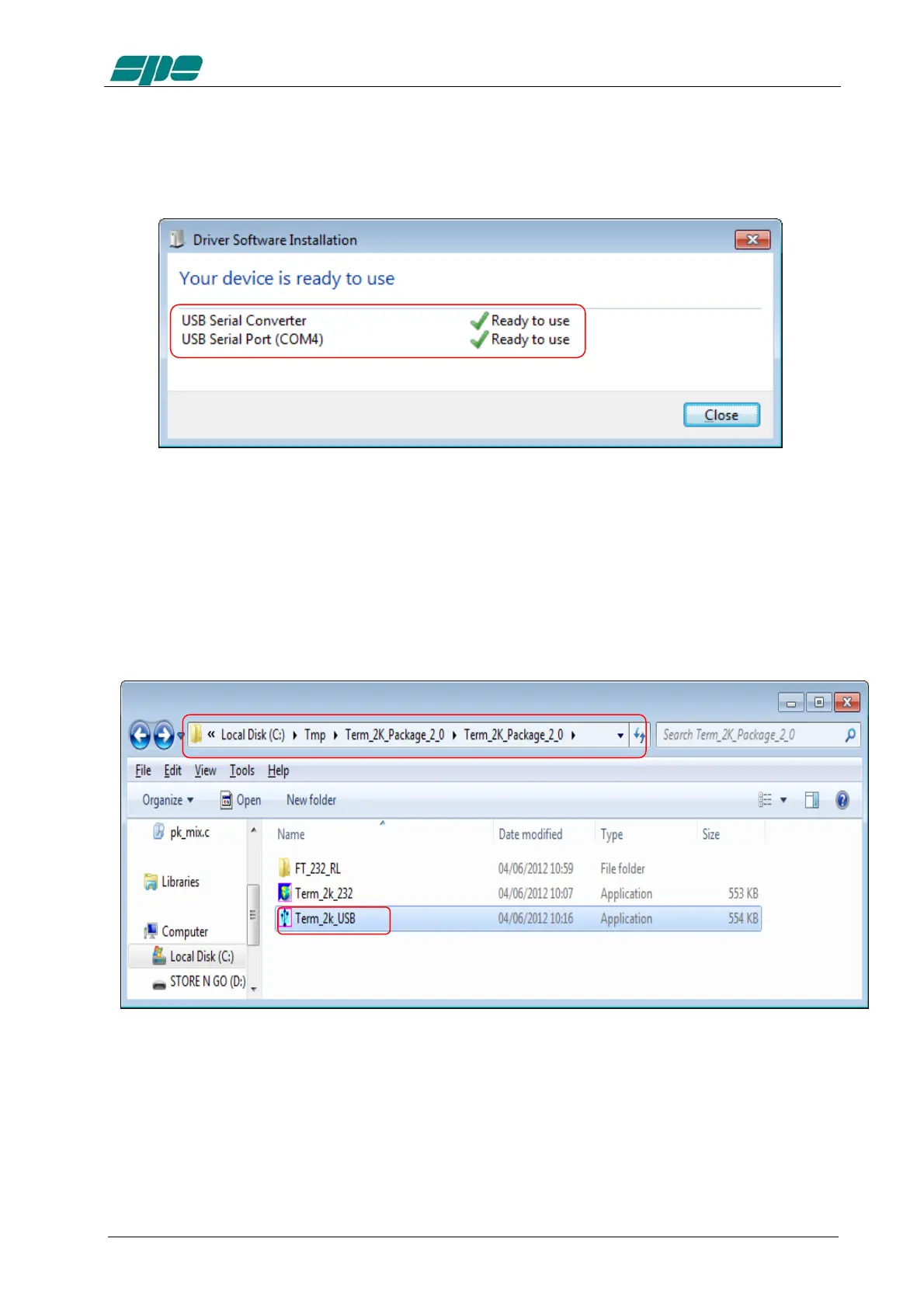
After then a notification windows will pop-up, as shown in the picture below.
The USB port installation and setting is now complete.
Now that this fundamental step has been successfully completed, the
Term_2K_USB.exe remote control application can be launched.
For this purpose a back-step to the starting uncompressed folder
Term_2K_Package_2_0 must be made and a double-click with the mouse left-button
on the application filename must follow it, as shown in the picture below



 To Next Page