User manual EXPERT 2K-FA
Pag. 63 of 63 Issue 2 – May 2011
Note: despite the keypad types (Full and Basic) are certainly useful since they both can be
directly accessed using the mouse pointer, it is helpful to know that all the operations allowed
using the virtual keys can be also performed using short commands directly typed on the PC
keyboard.
The following one is the “shortcut-keys” table:
2K-FA
Function key
Equivalent shortcut-key
from the PC keyboard
[INPUT] I
[ANT] A
[<L] Ctrl+L
[L>] L
[<BAND] Ctrl+B
[BAND>] B
[<C] Ctrl+C
[C>] C
[TUNE] U
[DISPLAY] D
[< -] -
[> +] +
[ON] N
[POWER] P
[CAT] T
[SET] S
[OFF] (*) F
[OPERATE] O
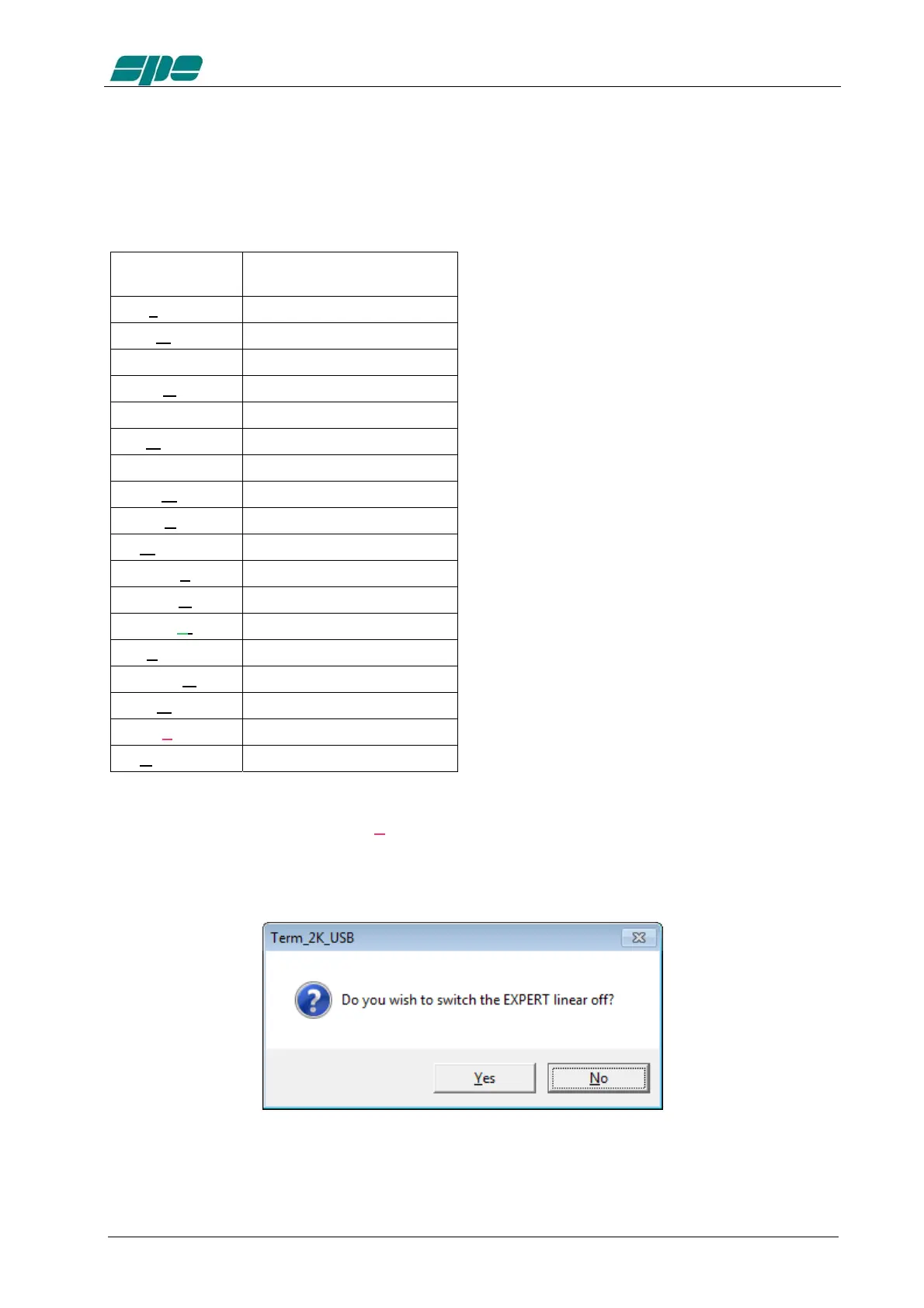
(*) Please bear in mind that [OF
F] command (either from virtual keypad or by shortcut
key…) always asks for a confirmation to its amplifier shutdown operation by using the
dialog form below:



 To Next Page