Spectralink S33 Handset User Guide
Handset S33 User Guide.docx
July 2023 22
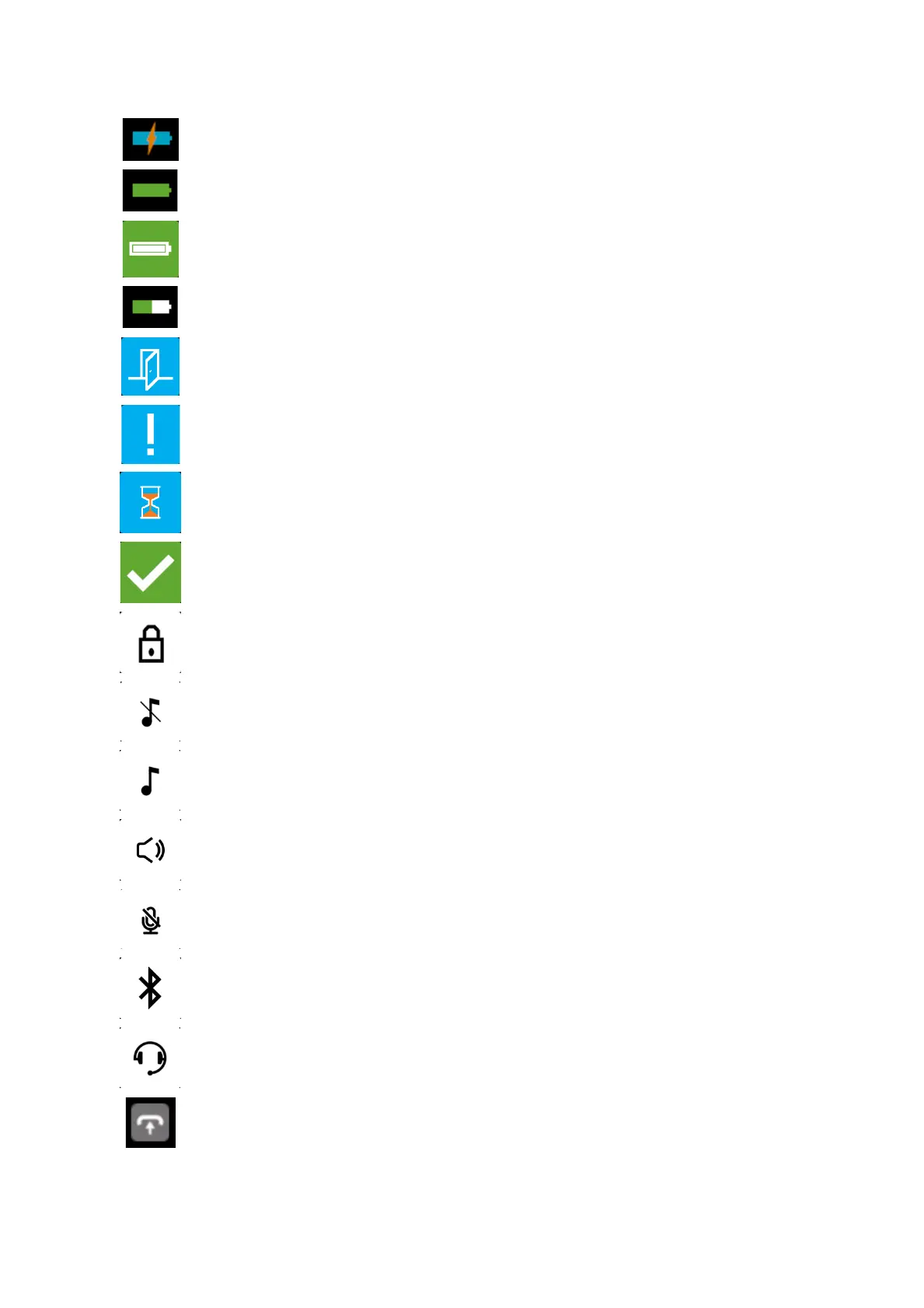
Appears when the battery is charging (when the handset is turned on in the
charger)
Appears when the battery is fully charged (when the handset is turned on in the
charger)
Appears when the battery is fully charged (when the handset is turned off in the
charger)
Appears when the battery capacity is decreasing (when the handset is out of
the charger).
Appears when Absent In Charger is turned on.
Notification.
Appears when executing a device action.
Appears when a device action is successfully completed.
Indicates that the keypad or screen is locked.
Appears when all sounds are disabled.
Appears when all sounds are enabled.
Appears when the loudspeaker is turned on.
Appears when mic mute is turned on.
Appears when bluetooth is activated. The icon disappears when a wireless
headset is connected.
Appears when a wired headset is connected.
Appears when Auto Answer is turned on.



 To Next Page