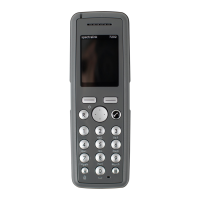
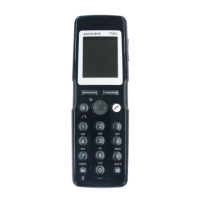
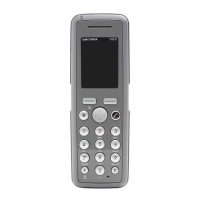
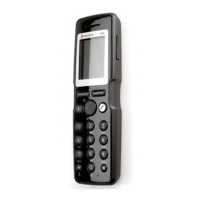
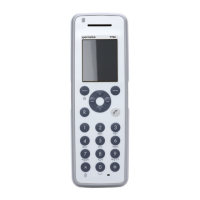
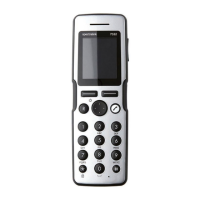
Spectralink S33 Handset User Guide
Handset S33 User Guide.docx
July 2023 88
8. If the system in use is removed, it is necessary to select one of the remaining
systems or to subscribe to a new one.
Creating a Registration (Subscription)
To create a registration, the system must allow subscriptions to be made. Some systems
also require an Authentication Code (AC). You can create a registration by entering the ARI
of the system directly/manually or by performing a search for a system. If more than one
system currently permits subscription, you will need to know the ID of the system to which
you want to subscribe. Authentication Codes and system ID’s will be provided by the system
administrator.
You can subscribe up to 15 different systems, meaning that you can create 15 registrations.
Note:
If the handset is already subscribed to 15 systems, you will have to remove a
subscription before creating a new one.
To Create a Registration by Searching for the System
1. Press to enter the main menu.
2. Scroll to Settings, and press .
3. Scroll to System, and press .
4. Scroll to Subscription, and press .
5. Scroll to Search New System, and press . The handset will start searching for a
system.
6. Scroll to the relevant system, and press .
7. If required, enter an AC Code and User ID and press to connect to the system.
8. Press again to confirm.
To Create a Registration by Entering the ARI of the System Directly
1. Press to enter the main menu.
2. Scroll to Settings, and press .
3. Scroll to System, and press .
4. Scroll to Subscription, and press .
5. Scroll to Manually Add System, and press .


 To Next Page