Using GMOS 15
• clear the logs in the memory, and
• enter Lap Timer Mode
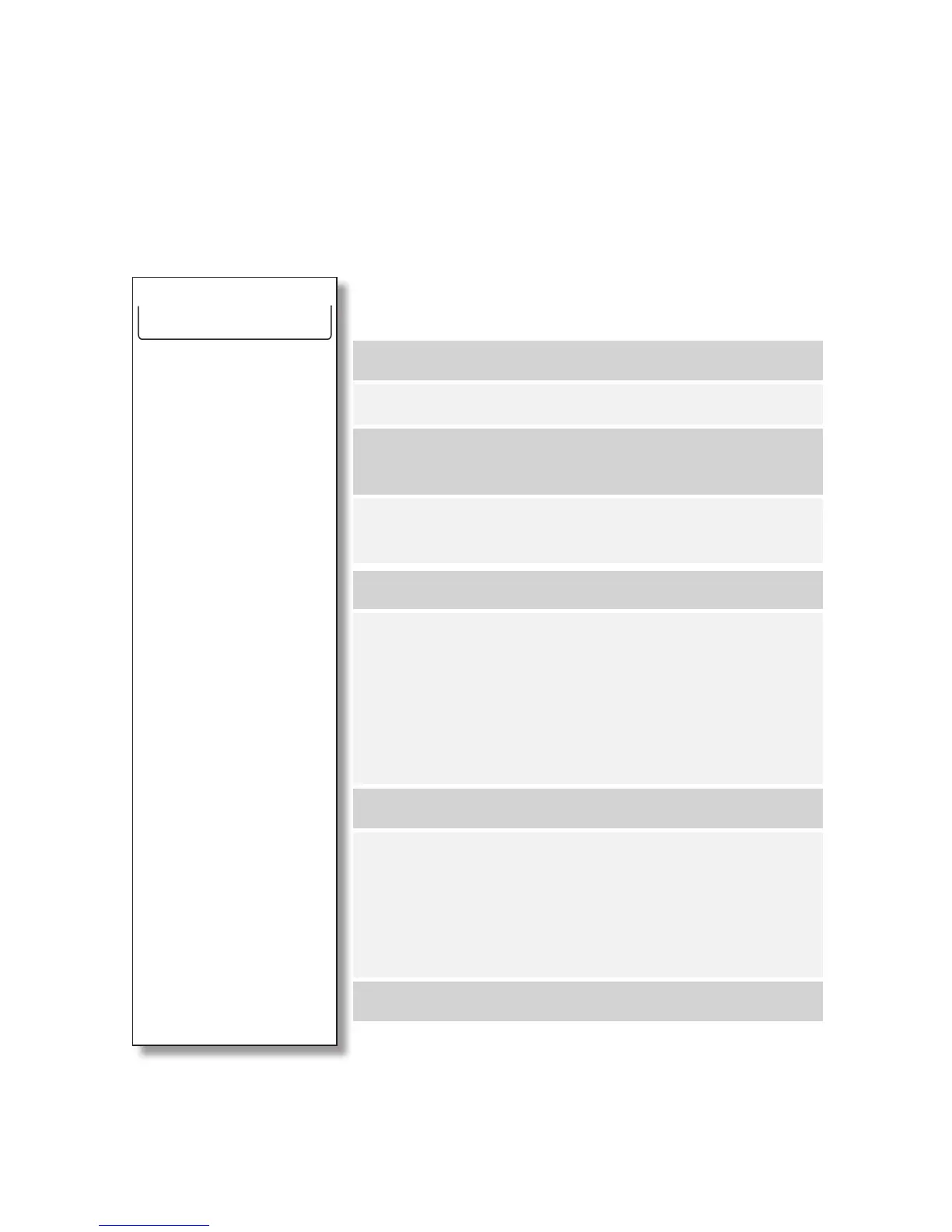
To enter System Menu, press MENU while you are in Drive mode. As a rule, in
System Menu, pressing SELECT will execute the function or adjust the value of the
menu item. Pressing MENU will go to the next item.
SYSTEM MENU
Press SELECT to clear the record.
Press SELECT to clear the record.
Press SELECT to set the Liability in English or Ger-
man (other languages to be added).
Press SELECT to set your local time zone offset from
GMT at a number between 12 and -12.
Press SELECT to set the speed unit as MPH or KMH.
Press SELECT to clear the memory. A "
SURE?" mes-
sage will be prompted. Press SELECT again to con-
rm, or press MENU to cancel.
Once the memory is cleared, the number of logs dis-
played at the top of the menu will be down to 0, and
the memory left be back to 100%.
Press SELECT to change the LCD brightness.
Press SELECT to enter Lap Timer Mode. A “
SURE?”
message will be prompted. Press SELECT again to
conrm, or press MENU to cancel. Please note that if
you enter Timer Mode while GMOS is recording data,
the logging will be terminated automatically.
Press SELECT to save the settings and exit Menu.
SYSTEM JAN/01/11
12LOGS, 85% MEM LEFT
RESET MAX ANGLE 37,42
RESET TOP SPEED 108
LANGUAGE ENGLISH
TIMEZONE GMT -8
UNIT MPH/KMH KMH
CLEAR MEMORY
LCD BRIGHTNESS 7
GO TO TIMER MODE
SAVE SETTINGS AND EXIT


 To Next Page