Using GMOS 20
You can control at what place the Timer is to start by adjusting the starting speed.
Here are a few suggestions:
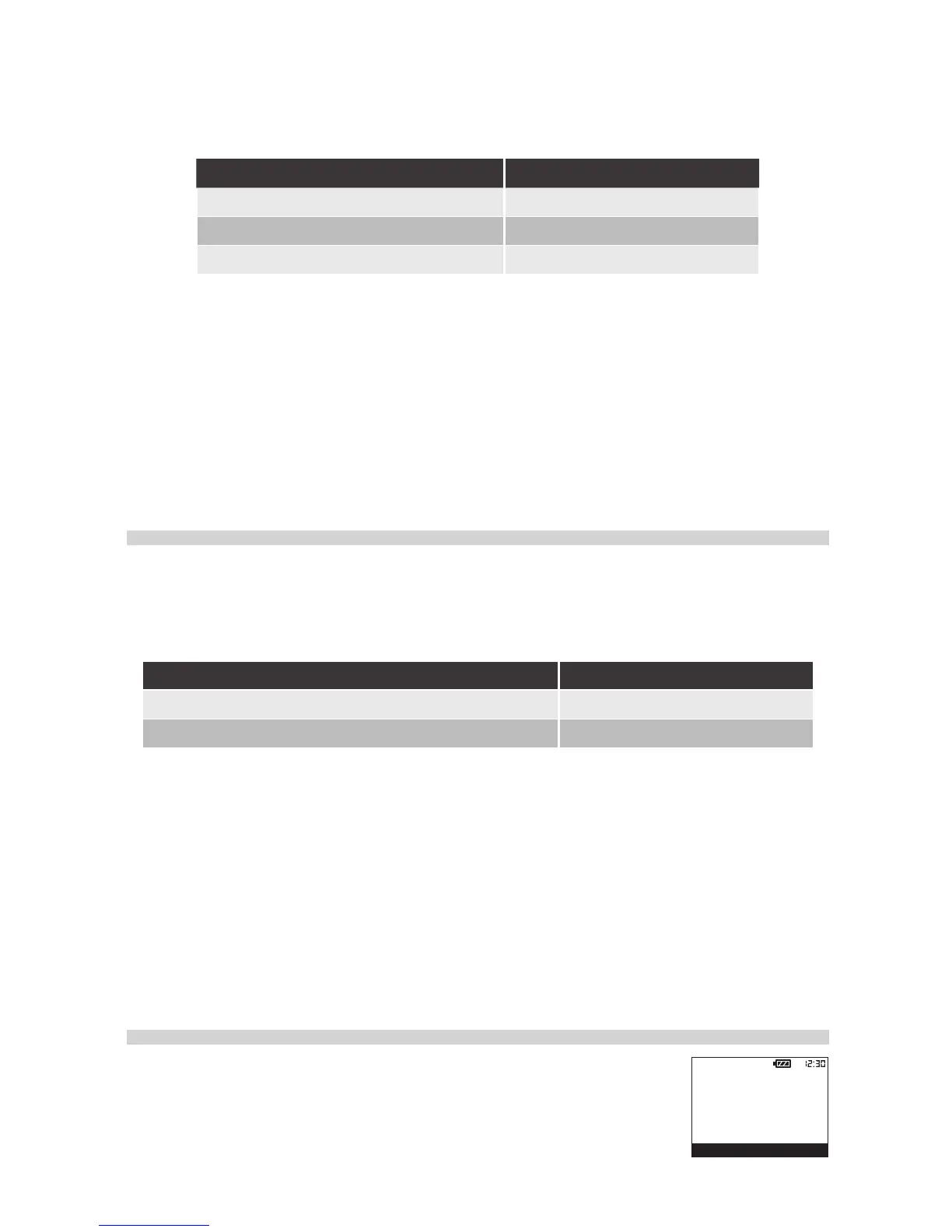
Timer start location Suggested Starting Speed
Right close to where you are 10
After exiting the pit lane 90 or 120
On a straight 150 or more
• To set the starting speed, press
MENU
to enter Laptimer Menu.
Data logging starts automatically and simultaneously with the Timer. All your GPS
traces, speeds, G’s, angles and lap times will be recorded. Please note that if the
memory is full during data logging, GMOS will stop logging and display “
MEMORY FULL”
in the Message Area. This will not affect any Timer functions.
Stopping Timer and Data Logging
The Timer and data logging will stop automatically and
simultaneously
when the
speed has stayed at 0 for a pre-designated period of time. You can control when the
data logging is to end by setting a proper idle time. Here are a few suggestions:
Timer stop condition Suggested Idle Time
Shortly after you stop riding 10 sec
Stay running even during your wait on the grid 180 or 240 sec
Please note that if your idle time is set at above 30, when you have been idle for
more than 30 seconds after start riding, such as when you are waiting on the grid
after warmup lap, the lap count will resume back to 1.
• To set the idle time, please press
MENU
to enter Laptimer Menu.
• You can press any of the keys to stop the Timer and data logging manually. If
you press
MENU
, GMOS will stop the timer AND enter Laptimer Menu.
Viewing Your Lap Time Report
Once the Timer stops, a summary of your latest session will be
automatically displayed, listing its date, time, track setting, dura-
tion, best and average lap time, top speed, and average speed.


 To Next Page