Using GMOS 17
Auto Timer Stop
stopping the Timer automatically when it has been idle for
a pre-set length of time,
Auto Data Logging starting and stopping data logging automatically and syn-
chronically with Timer,
Auto Lap Report Dis-
play
displaying the record of your newly nished laps once the
Timer stops, and back to Timer automatically once you
reach the starting speed again.
Knowing the Buttons
In Timer Mode and Laptimer Menu, pressing the button will:
•
MENU
: enter Laptimer Menu, or go to the next item.
•
SELECT
: adjust the value of the menu item, or execute the function.
GPS Positioning and Auto Search
Once you enter Timer Mode, the system will check the GPS
signal quality until more than 4 satellites are locked, and then
search for available tracks settings (either by Auto Set or by
preloading) whose reference point is within 3 KM (1.8 mile) of
your location.
• During this process, you can press MENU to enter Laptimer Menu and edit set-
tings, but this is not recommended until you are familiar with the Menu.
• Auto Search will be executed only once. To run Auto Search again, please reboot
GMOS and enter Timer Mode again.
If No Track Is Found
If there are no Track settings available, GMOS will prompt “NO TRACK FOUND” on
the screen and wait for 90 seconds before entering Standby Screen. You can either
do nothing and let it enter automatically or press any of the keys to skip the wait.
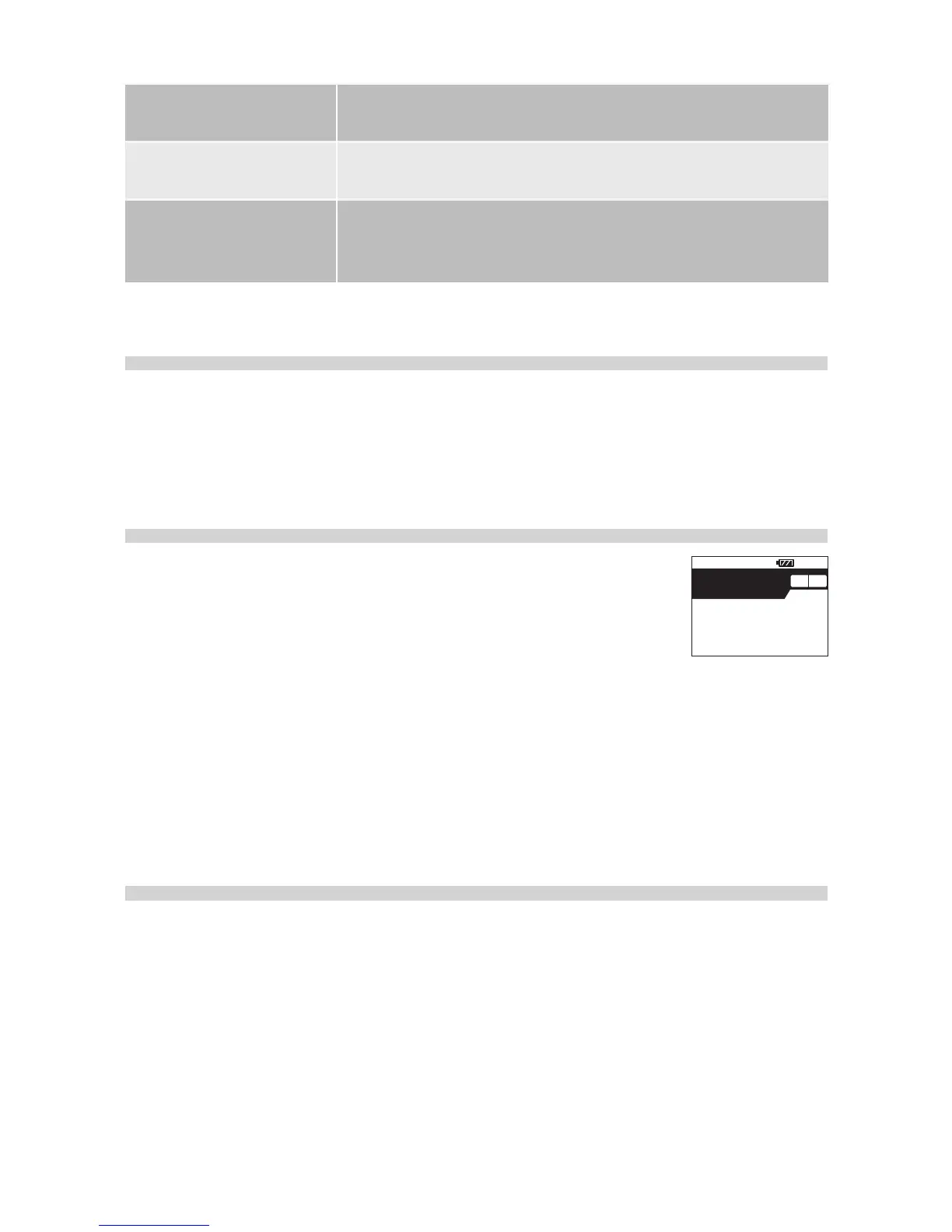
Once in Standby Screen, GMOS will prompt “
SET NEW, TRACK 15”, meaning it will
automatically set a new Finish Line later and save it at Track 15. If track 15 has al-
ready been taken, GMOS will prompt “
OVERWRITE TRACK 15” and overwrite it later.


 To Next Page