Using GMOS 14
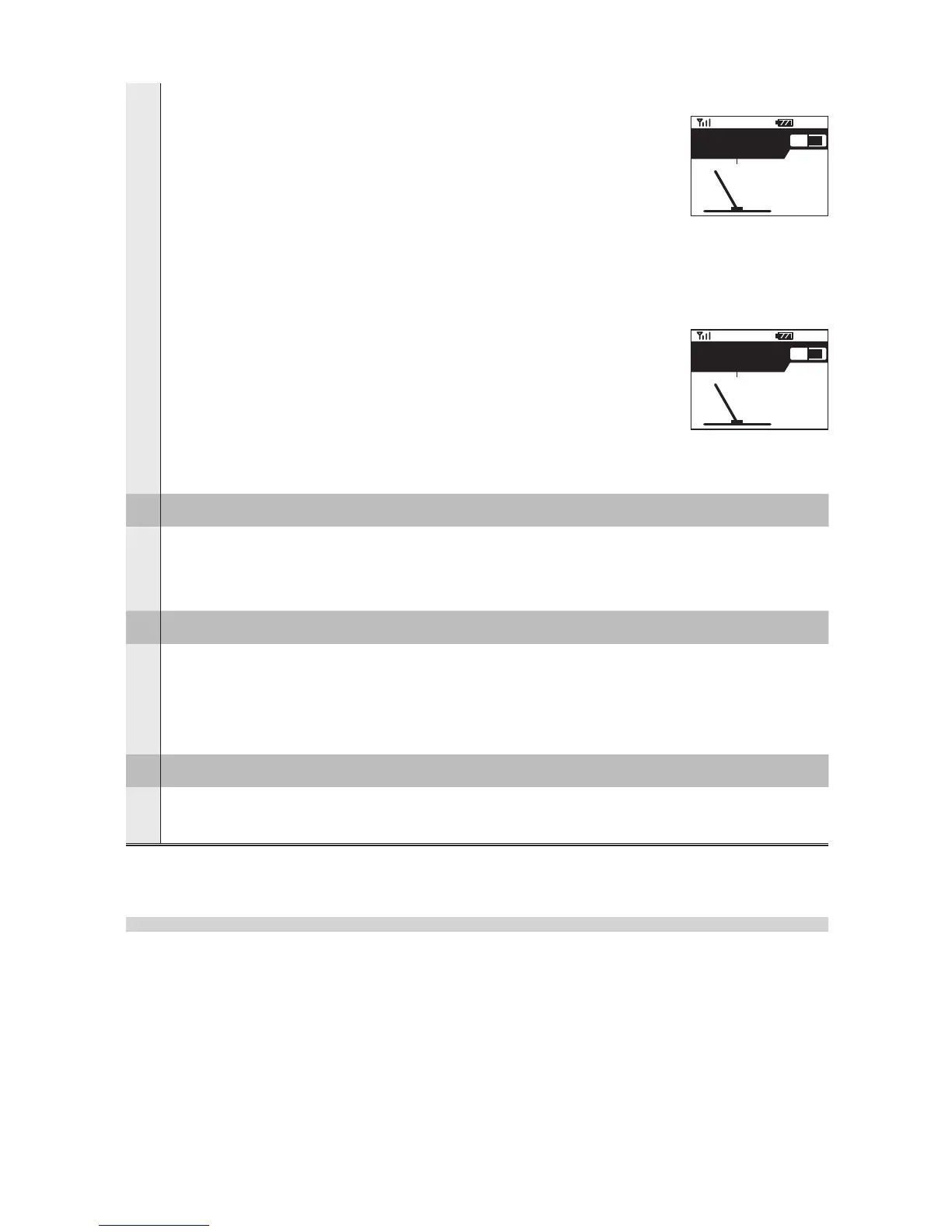
MEMORY FULL:
displayed when SELECT is pressed to start recording, but
the system memory is already full, or during data logging
when the memory is full. In the latter case, the system will
continue to function except that the recording will stop.
Please download your logs and then clear the memory to
release the memory space.
LOGS FULL:
displayed when SELECT is pressed to start recording,
but the number of logs recorded has reached 254, which
is the maximum number of logs the system can record.
Please download your logs and then clear the memory to
release the memory space.
11
Top Speed
shows the top speed measured since GMOS is powered on.
• To clear the record, go to System Menu and select “RESET TOP SPEED”.
12
Current Speed
shows the current GPS speed up to 255 MPH / 410 KMH.
• To switch the measuring system from MPH to KMH or vice versa, please
go to System Menu and select
UNIT MPH/KMH.
13
Current Lean Angle
shows real time lean angle degree reading up to 69.
System Menu
In System Menu, you can:
• clear the maximum lean angles recorded since GMOS is powered on,
• clear the top speed recorded since GMOS is powered on,
• set the built-in GPS clock to your local Time Zone,
• change the measuring system,
• Change screen brightness,
12:30
TOP
82
75
KMH
-
+
45
33
21
37
45
MEMORY FULL
12:30
TOP
82
75
KMH
-
+
45
33
21
37
45
LOGS FULL


 To Next Page