06/02/2020 Vers. 0.0 46
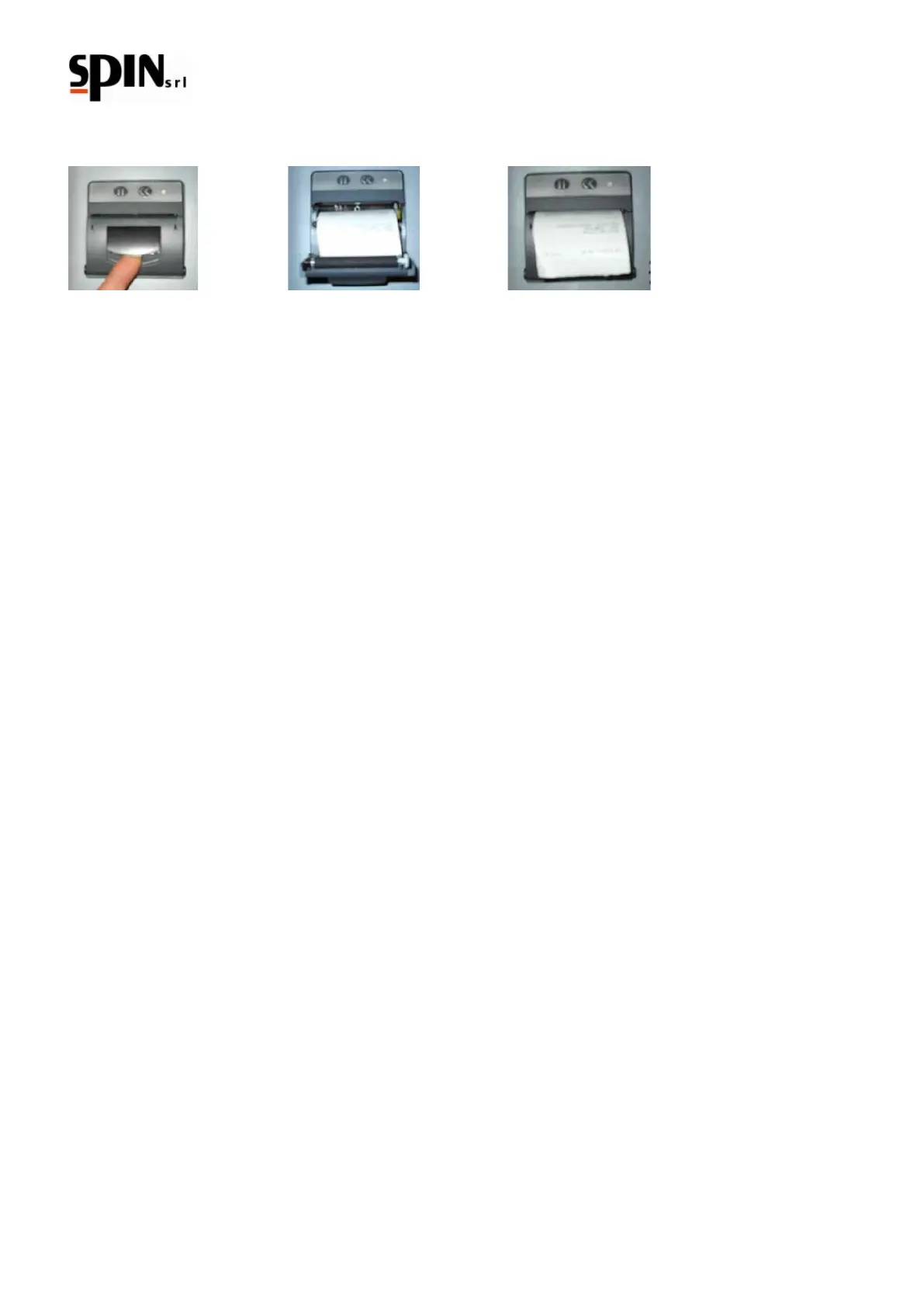
8.1 Printer paper replacement
Follow the procedure as shown in the images above.
8.2 Display messages
All reports are shown by messages on the LCD display.
Once the machine is on, the display shows the amount of refrigerant available in the bottle and the room
temperature.
If there is a malfunction during any phase, the display will show a warning or error.



 To Next Page